Table of Contents
TL;DR
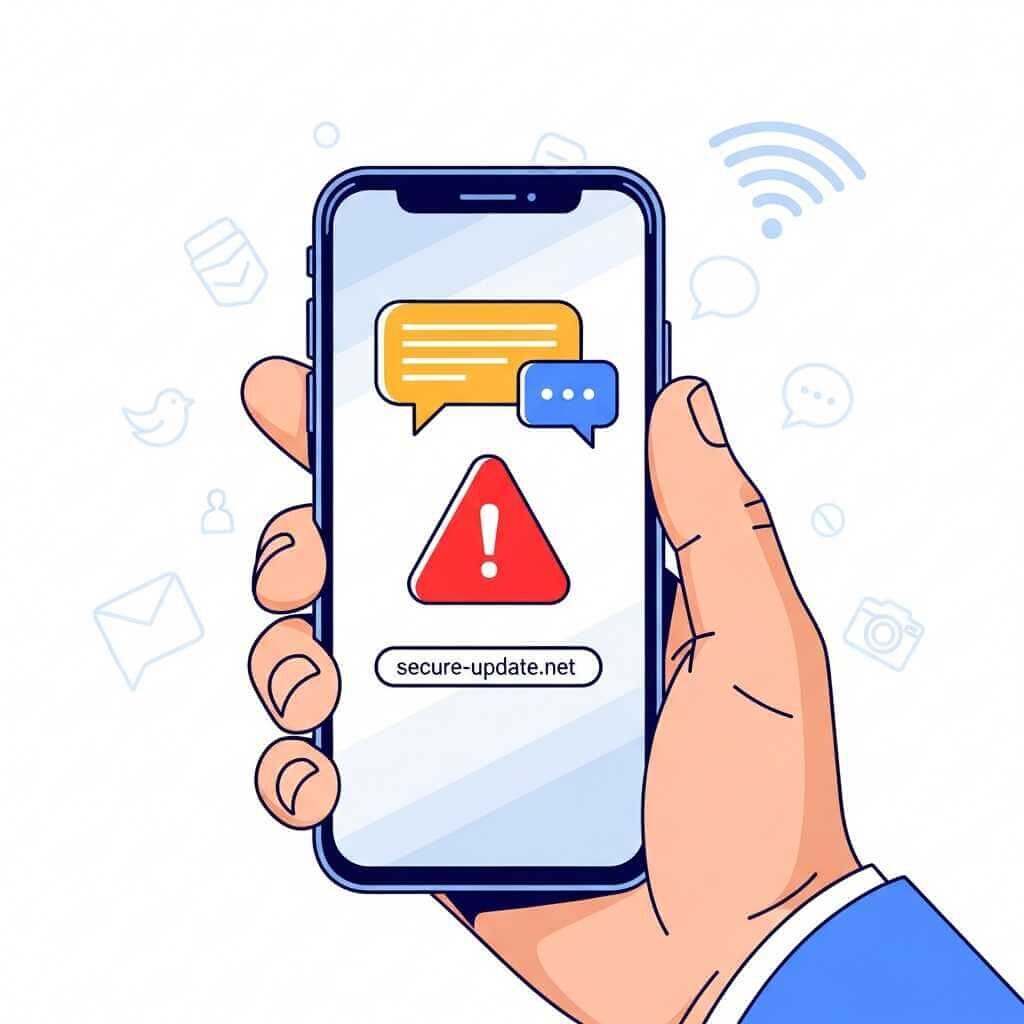
A phishing attack on a smartphone often arrives as a text, DM, or fake support message that feels urgent and harmless at first. The safest move is simple: do not tap unknown links, open apps or sites yourself, use passkeys or two-factor login, keep software updated, and verify strange messages through trusted channels.
Introduction on Phishing Attacks
A phishing attack on a smartphone does not always look like a scam. Sometimes it looks like a friend request, a message from a person with mutual friends, or a link that appears harmless enough to tap. That is why mobile users need a sharper eye than ever, especially when the phone is the main gateway to email, banking, social media, and travel apps.
Why smartphones are prime targets
Phones sit in our hands all day, so scammers know the screen is small, the pace is fast, and trust is easy to trigger. Research on mobile phishing shows attackers now aim at SMS, messaging apps, in-app links, and social platforms, not just email. Consumer guidance from the FTC says scam texts and links are a major problem, and Google and Apple both publish account-security advice that centers on suspicious links, fake support messages, and stolen login data.
A mobile phishing attack works best when the victim feels a little pressure. A message may claim your package is delayed, your account is locked, or a friend needs you to open a link right now. The scam is not about tech wizardry; it is about speed, trust, and a hurried tap.
Phishing attack vs other attacks
A phishing attack tries to trick you into handing over data, logging into a fake page, or opening a harmful link. Malware attacks try to install bad software. Account takeover attacks try to steal control after the attacker already has your password or session. Phishing often sits at the front of the chain because it opens the door to the rest.
| Attack type | Main goal | Common phone sign |
|---|---|---|
| Phishing attack | Steal logins, card details, or other data | Text, DM, email, fake app page, fake support message consumer. |
| Malware attack | Install harmful software | Suspicious app prompt, file, profile, or link. |
| Account takeover | Seize an existing account | Login alerts, password reset emails, odd sign-ins support. |
That difference matters. A phishing attack may look harmless at first, yet it often sets up later harm, such as bank fraud, identity theft, or access to your message threads and photo gallery.
A real-life lesson from a fake contact
I handled a phishing attack that arrived through a person who seemed linked to several of my friends. The message felt casual enough at first, yet the sender pushed a link and wanted me to act fast. That kind of pressure is a classic scam move, and it is exactly why phone users need a pause before they tap.
Before opening anything, I did a people search on the name and checked the profile trail from a few angles (facebook, instagram). I compared mutual contacts, the photo, the bio, and the background details, then used searqle.io to check whether the identity held up outside the message thread. The result was a dead end: the story did not line up, the details looked stitched together, and the account felt built to borrow trust rather than earn it.
That moment changed my approach to every strange DM and text on my phone. A profile can look friendly, familiar, and even tied to shared contacts, yet still be part of a phishing attack aimed at getting you to open a link or share private data.
Travel stories that feel familiar
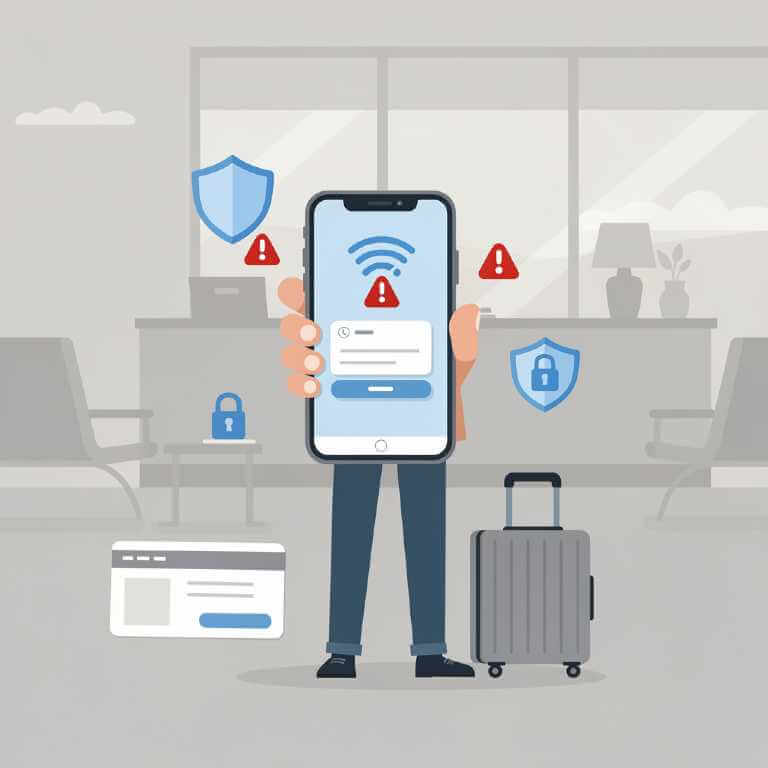
Travel gives scammers extra room. Airport Wi‑Fi, hotel Wi‑Fi, ride-hailing apps, boarding passes, and last-minute booking messages create a perfect storm of taps and quick decisions. Reports have described fake airport Wi‑Fi setups that copied real network names to lure travelers into fake login pages. Guidance for travelers also warns against open Wi‑Fi at airports, hotels, and cafes, plus rushed responses to unknown calls or messages.
I have seen versions of this trick play out in transit spaces: a traveler gets a message that looks like a hotel check-in note, a lounge pass, or a package update. The link leads to a page that asks for email, phone number, or card details. The setting feels normal, the timing feels urgent, and that is exactly why the scam works.
Signs of a phishing attack
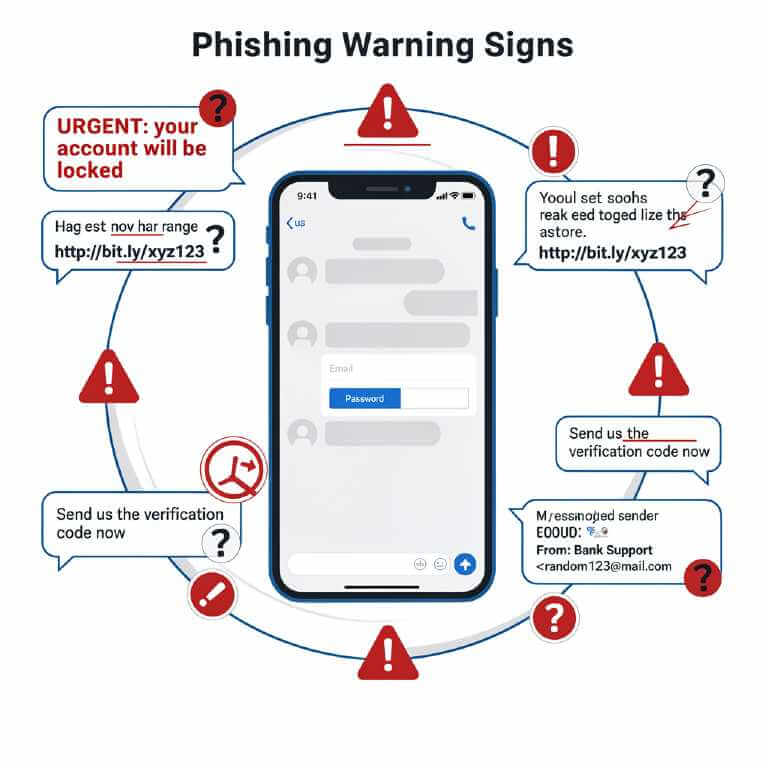
Phishing attacks on phones often leave clues. The message may use urgent wording, spelling mistakes, a strange sender name, or a link that feels off. The sender may ask for passwords, one-time codes, or payment details. The FTC says a good test is simple: if you do not know the person or account, treat the message as suspicious; if you do know them, contact them through a trusted number or site, not the message itself.
- Unexpected link.
- Odd sense of urgency.
- Request for login code, password, or bank detail.
- Fake lookalike app or login page.
- Sender profile that feels thin, copied, or newly built.
Protect your phone
Phone protection starts with habits, not luck. Google says Android devices use layered defenses such as spam detection, scam warnings, Safe Browsing, and Play Protect, and Apple tells iPhone users to avoid suspicious links, never share security codes, and keep account controls inside Settings or trusted support channels.
If a phishing attack lands on your phone, follow these steps to reduce the risk and lock down your accounts fast.
How to protect your phone from a phishing attack
- Stop before you tap any link in a text, DM, or email.
A phishing attack often starts with urgency, so slow down the moment a message asks you to act fast.media.defense+1 - Open the app or website yourself.
Go straight to the official app or typed-in web address instead of using the message link.support.apple+1 - Check the sender, wording, and request.
Look for odd spelling, strange sender details, pressure tactics, or requests for passwords, security codes, or payment info.jablickar+1 - Turn on two-factor authentication or passkeys.
Use stronger login protection on email, banking, social apps, and any account that stores private data.blog+1 - Keep your phone OS and apps updated.
Security patches close gaps scammers may try to exploit, so install updates soon after they appear.media.defense+1 - Install apps only from trusted stores.
Stick to the Google Play Store or Apple App Store and avoid random install links or profile prompts.support.apple+1 - Review app permissions and security alerts.
Check which apps can use your camera, microphone, location, contacts, and notifications, then remove access that no longer fits the app’s purpose.montclair+1 - Report suspicious messages inside your messaging app.
Mark scam texts as spam, save proof if needed, and use the platform’s reporting tools so the attack gets flagged for others too.
App habits that help
Messaging apps matter just as much as browsers. Google Messages can warn about spam and suspicious links, and users can mark messages as spam or not spam inside the app. Apple advises users to avoid suspicious messages and to move account changes into official device settings rather than links inside messages. For people who live on their phones, those small habits block a lot of trouble.
What to do after a suspicious tap
If you tapped a bad link, act fast. Change the password for the affected account, sign out of other sessions, review recovery options, and check for unknown devices. If you entered card data, contact your bank right away. The FTC says to report scam texts by forwarding them to 7726 and to file reports through ReportFraud.ftc.gov, while Apple and Google both point users toward official reporting paths for suspicious messages.
A strong response is not panic. It is a clean reset, one account at a time.
Why education matters
A phishing attack succeeds when the victim does not slow down long enough to question the message. Education gives you that pause. It helps you spot fake urgency, spot fake profiles, and spot the difference between a real app alert and a copycat page built to steal logins.
For smartphone fans, that knowledge is part of daily phone life. The same device that stores your photos, chat history, bank app, travel tickets, and work login can become the easiest path into your digital life. A few smart habits go a long way: verify through official apps, question pressure tactics, and treat every odd link as guilty until proven clean.
FAQ:
Q1: What is a phishing attack on a smartphone?
A phishing attack on a smartphone is a scam that tries to trick you into giving up passwords, card details, codes, or other personal data through a text, email, DM, or fake login page.
Q2: How can I spot a phishing attack?
Watch for urgent language, odd sender names, spelling mistakes, requests for passwords or one-time codes, and links that lead to lookalike app pages or login screens.
Q3: How is phishing different from malware?
Phishing tries to trick you into handing over data or opening a bad link, while malware tries to install harmful software on your device.
Q4: What should I do if I tap a suspicious link?
Change the affected password right away, sign out of other sessions, review recovery settings, check for unknown devices, and contact your bank if you entered payment details.
Q5: How do I protect my phone from phishing attacks?
Use two-factor authentication or passkeys, keep your phone and apps updated, install apps only from trusted stores, review login alerts, and avoid tapping links in unexpected messages.
Q6: Are travel Wi‑Fi networks safe?
Public Wi‑Fi at airports, hotels, and cafes can be risky, so avoid logging into sensitive accounts on unknown networks and watch for fake hotspot names that copy real ones.
Q7: Why does education matter?
Phishing works best when people tap first and think later, so learning the warning signs gives you a pause that can stop the scam before it spreads.
Conclusion
A phishing attack on a smartphone is not just a tech problem. It is a trust problem, and trust lives in your hands every time a message arrives. The safest users are not the ones who click fastest; they are the ones who slow down, verify first, and keep control inside trusted apps and official settings.