Smart homes are the modern way of life. They allow remote monitoring, automation, and voice control to improve the safety and efficiency of your life. Think smart speakers, lighting, thermostats, and security systems. Modern devices allow you to stay connected and in control. However, many of us don’t really know how exactly the technological side of things works.
Understanding the Scale of Connected Devices in Modern Homes
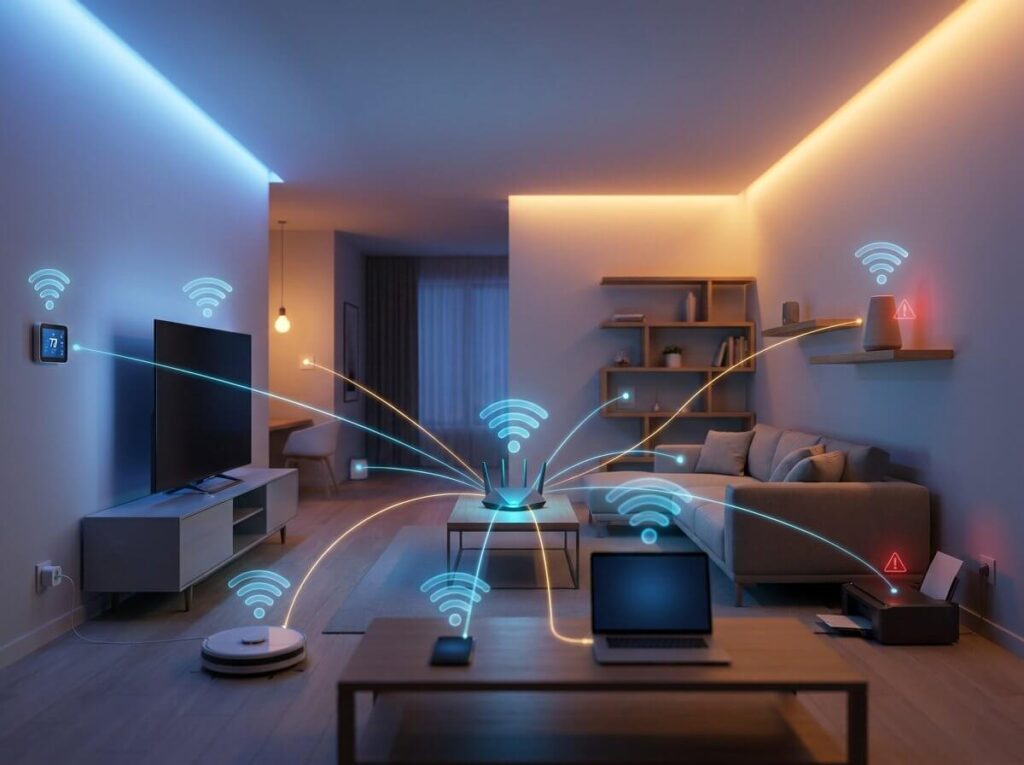
Today, the average household runs dozens of endpoints through a single router without giving it much thought. Smart TVs, streaming sticks, phones, laptops, watches, thermostats, printers, lights, and appliances all ask for their share of bandwidth. Internet service providers often log many active devices in typical suburban homes, even when occupants think the number is quite low.
Even if your laptop connects for hours of active use and your smart thermostat checks in every few minutes, they are still connected to the network. When everything funnels through one network, small background connections add up to real congestion. You might notice challenges that many households never realize until something slows down.
Why Device Count Keeps Growing – Often Without You Noticing
Smart technology is always evolving, offering more convenience. You add a smart plug because it saves you from getting off the couch. You buy a new TV, and it arrives with built-in voice control and automatic updates enabled by default. Visitors connect their phones during dinner, and those devices linger on your network long after they leave.
Manufacturers also design products to stay online indefinitely. Fitness trackers sync in the background. Printers periodically check for updates. Gaming consoles download patches overnight. Each addition feels harmless, but over time, the network becomes overcrowded.
Hidden Risks: The More Devices, the Larger the Attack Surface
Every connected device represents a possible entry point for attackers. Phones and computers get regular updates, but many smaller gadgets depend on infrequent patches or outdated software.
You might notice streaming quality drops during peak hours because devices compete for bandwidth. Services like vpn extension can help secure streaming traffic, but many IoT devices lack this layer of protection entirely. In the worst cases, compromised devices can leak personal information or participate in attacks without showing obvious symptoms on your end. Security threats usually blend into normal digital noise until damage appears.
How to Audit and Secure Every Device on Your Network
- Start by checking your router’s admin panel to view a live list of connected devices. Most modern routers display names, connection types, and last active times, which helps you spot forgotten gadgets or unfamiliar entries.
- Cross-reference the list with items in your home, then rename known devices so future reviews take seconds instead of guesswork.
- Once identified, update firmware through each device’s companion app or manufacturer website. This step closes known vulnerabilities that attackers often exploit first.
- For devices that rarely need internet access, like a printer or a basic smart plug, disabling remote access features reduces unnecessary exposure. Segmenting the network by creating a guest network for visitors and smart devices keeps sensitive data separate from everyday traffic.