Table of Contents
TL;DR
- Define the model’s destination first (AR/web, game, or 3D printing) so you pick the right export format up front.
- Write a constraint-heavy prompt (single object, real-world scale, no text/logos, connected parts) to get cleaner geometry on the first try.
- Generate the model, then do a fast QA spin: look for symmetry issues, floating parts, texture stretching, and weird interior geometry.
- Refine with targeted re-prompts (thicken thin parts, remove engraving/text, simplify spikes) instead of restarting blindly.
- Export what your pipeline needs: GLB/glTF for AR/web, OBJ for editing/interchange, STL for 3D printing.
- Expect a hybrid setup: your phone is the controller while heavy generation often runs server-side, which helps speed/thermals but adds trade-offs like latency, privacy, and subscription/credits.
Introduction: the “I need a 3D asset now” moment
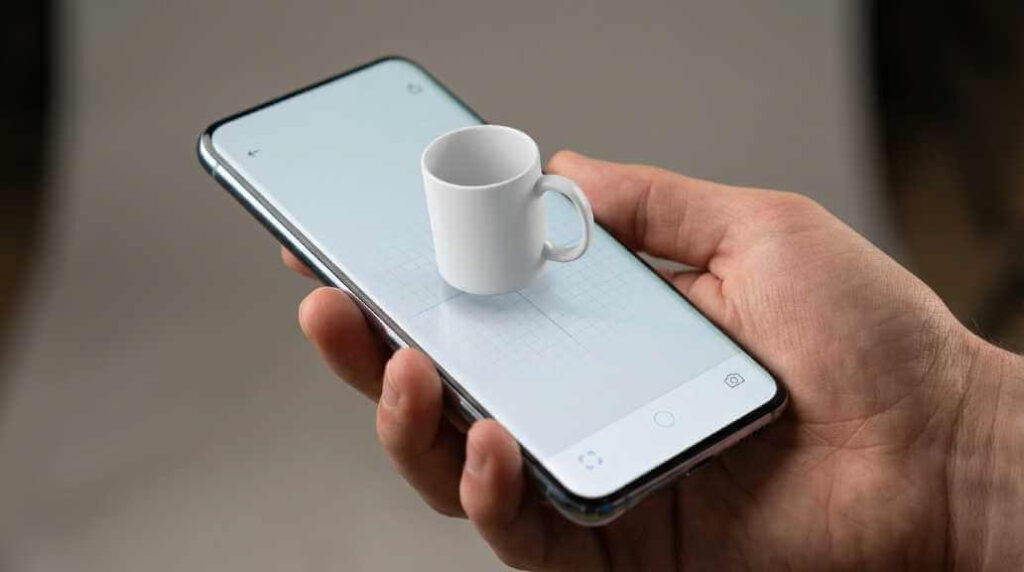
The first time text-to-3D really “clicked” for me wasn’t a creative art experiment—it was a deadline problem. I was building an AR/VR-style prototype (the kind where you need lots of different objects fast), and I kept hitting the same wall: sourcing multiple unique 3D models, with consistent style, usable topology, and predictable scale, is painfully slow when you’re doing it the traditional way.
That’s where text-to-3D on a smartphone starts to feel less like a gimmick and more like a practical tool. Modern generators can turn a prompt into a textured mesh you can preview, iterate, and export—often as GLB/OBJ (for AR, games, and web) or STL (for printing)—without sitting down at a PC first. Many platforms also emphasize “production-ready” steps like retopology and PBR textures, even if you still need to quality-check the results before shipping them into a real app pipeline. (For example, Tripo AI’s own guides highlight retopology/PBR and exporting to STL for printing use cases.)
This post walks you through a realistic 10-minute workflow you can run from your phone—Prompt → Model → Export—plus the smartphone-specific constraints that decide whether you’ll love the experience or rage-quit it.
Here’s the text to 3D workflow I use when I need a usable asset fast: prompt with constraints, generate a first pass, then export in the right format for AR, games, or 3D printing.

The 10-minute workflow (Prompt → Model → Export)
Think of this as the “minimum effective pipeline” for mobile text-to-3D: you’re not trying to replace Blender on a phone; you’re trying to get a usable first-pass asset quickly, then hand it off (or keep refining) with intention.
Minute 0–1: Define the job of the model
Before you write the prompt, answer one question: Where will this model live?
- AR object in an app (usually GLB/glTF).
- Game asset prototype (often FBX/OBJ/GLB depending on engine and rigging needs).
- 3D print (almost always STL).
- Web viewer / product mock (GLB is commonly convenient for web pipelines).
This matters because the generator can only guess what “good” means unless you specify constraints (scale, style, number of parts, surface detail, materials). Also, export formats aren’t interchangeable in what they store—STL is essentially geometry-only, while formats like OBJ/GLB can preserve more “visual” meaning (textures/materials), which is critical for AR and games.
Minute 1–3: Write a prompt that produces clean geometry
Most people prompt for coolness (“a futuristic dragon with neon armor”) and then wonder why the mesh is chaotic. On mobile, you want prompts that optimize for clarity and single-object structure.
Use this prompt template:
Prompt formula:
Object + purpose + material + style + constraints
Example (AR-friendly):
“Single object: ceramic coffee mug, matte white glaze, minimal Scandinavian design, no logo, no text, centered handle, watertight manifold mesh, clean silhouette, realistic proportions, soft studio lighting, PBR textures.”
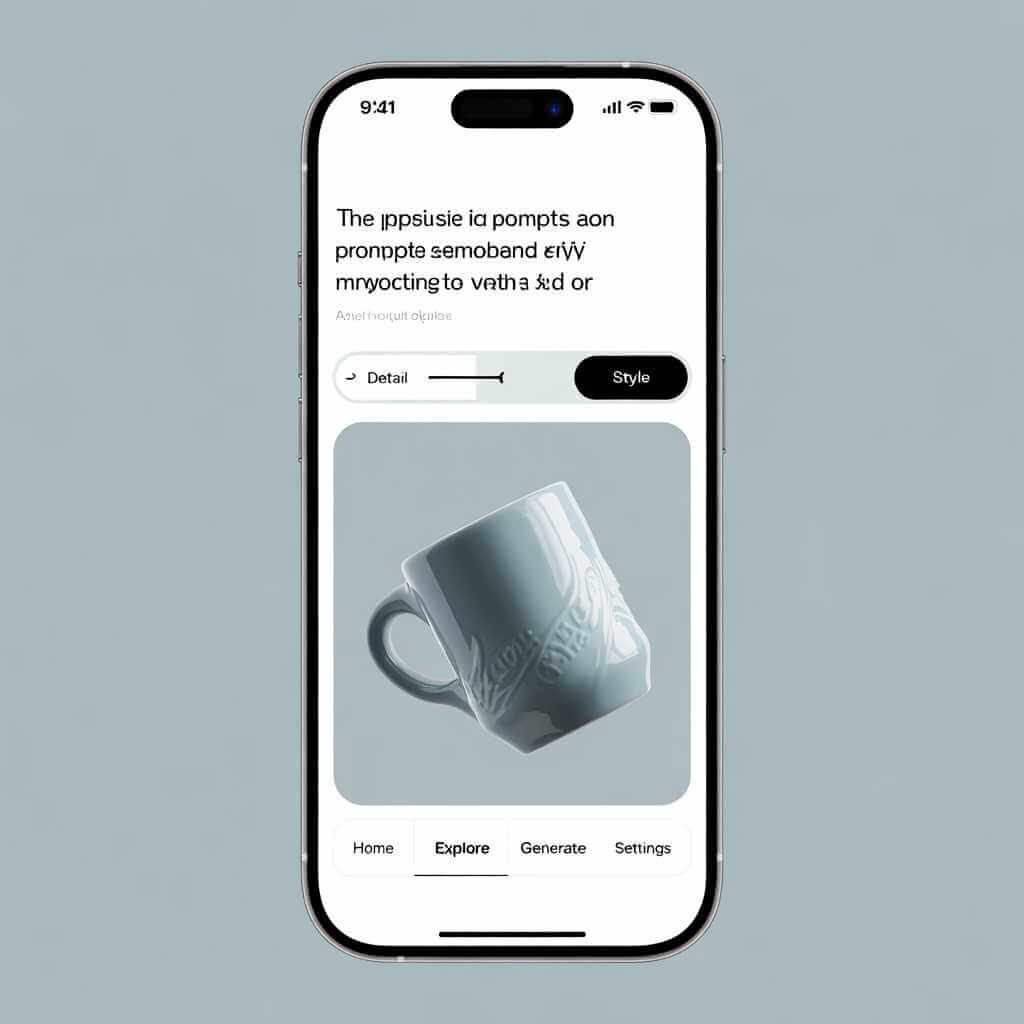
Why this works: you’re explicitly telling the model generator to avoid things that break assets (logos, text, floating parts), while pushing it toward a clean silhouette that reads well in AR.
If you’re building an AR/VR app like I was, add consistency knobs:
- “Same style as previous: minimalist, matte materials, neutral colors.”
- “Keep scale consistent: real-world size, ~10 cm tall.”
- “Make variants: same base shape, 5 different surface patterns.”
That “variant thinking” is the secret sauce for app development—you usually don’t need one perfect hero asset; you need many usable assets that feel like they belong together.
Minute 3–6: Generate, then do a brutal first-pass review
Once you generate a model, rotate it in the viewer and check for the issues that will hurt you later:
- Missing or melted details (thin parts often fail).
- Symmetry problems (handles, limbs, repeated patterns).
- Floating geometry (separate islands).
- Texture stretching or obvious seams.
- Weird interior geometry (common when the AI “hallucinates” cavities).
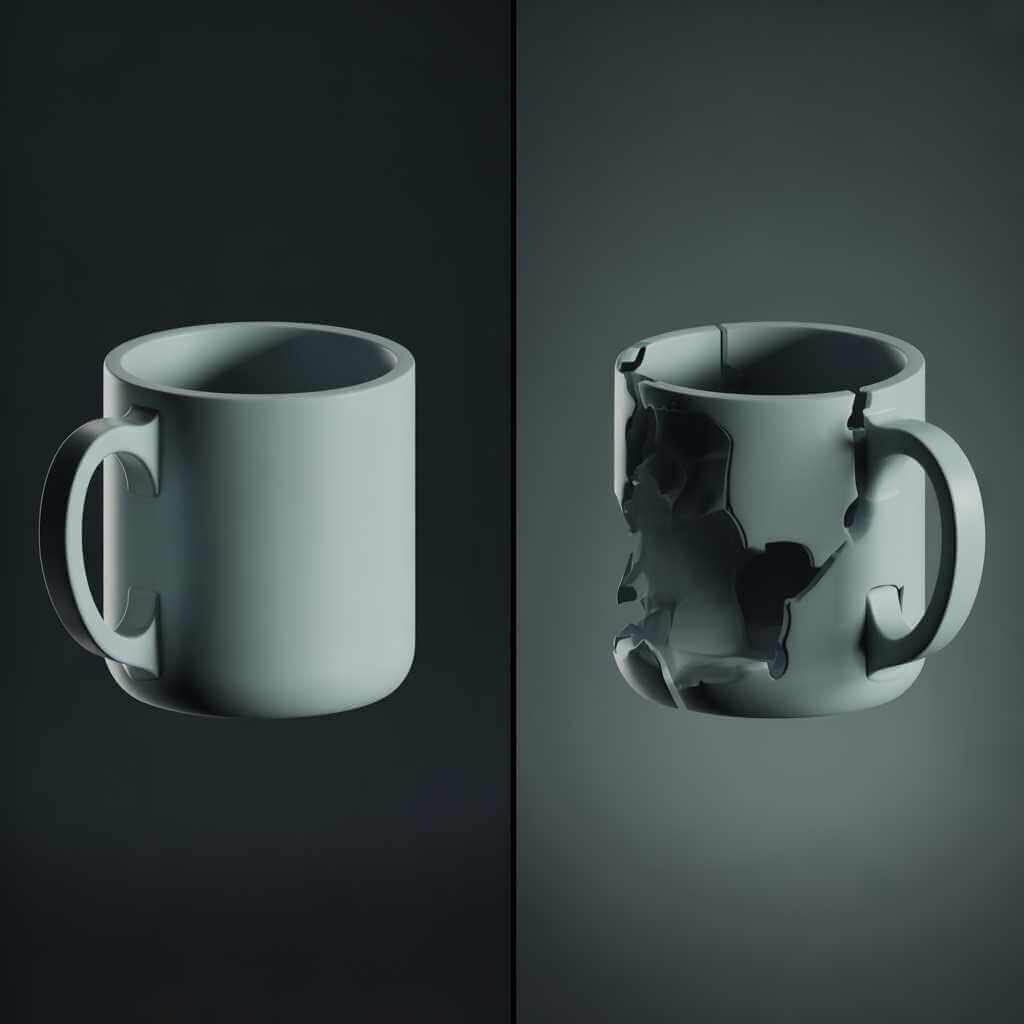
Some generators and platforms explicitly market “production-ready” outputs and include steps like retopology/PBR; treat that as a starting point, not a guarantee. Tripo AI, for instance, describes smart retopology and PBR textures as part of its workflow emphasis, but you still need to eyeball your result like a developer would.
Minute 6–8: Refine with targeted re-prompts (don’t restart blindly)
The fastest improvements come from surgical changes:
- “Make the handle thicker and fully connected to the mug.”
- “Remove any engraving/text; keep surface blank.”
- “Reduce small spikes; keep surfaces smooth for printing.”
- “Keep it one object; no separate accessories.”
If your tool supports it, do small iterations rather than re-rolling the entire model. This is where mobile shines: you can generate, review, tweak, and regenerate in the same session—like rapid prototyping, but for geometry.
Minute 8–10: Export the right file type (GLB vs OBJ vs STL)
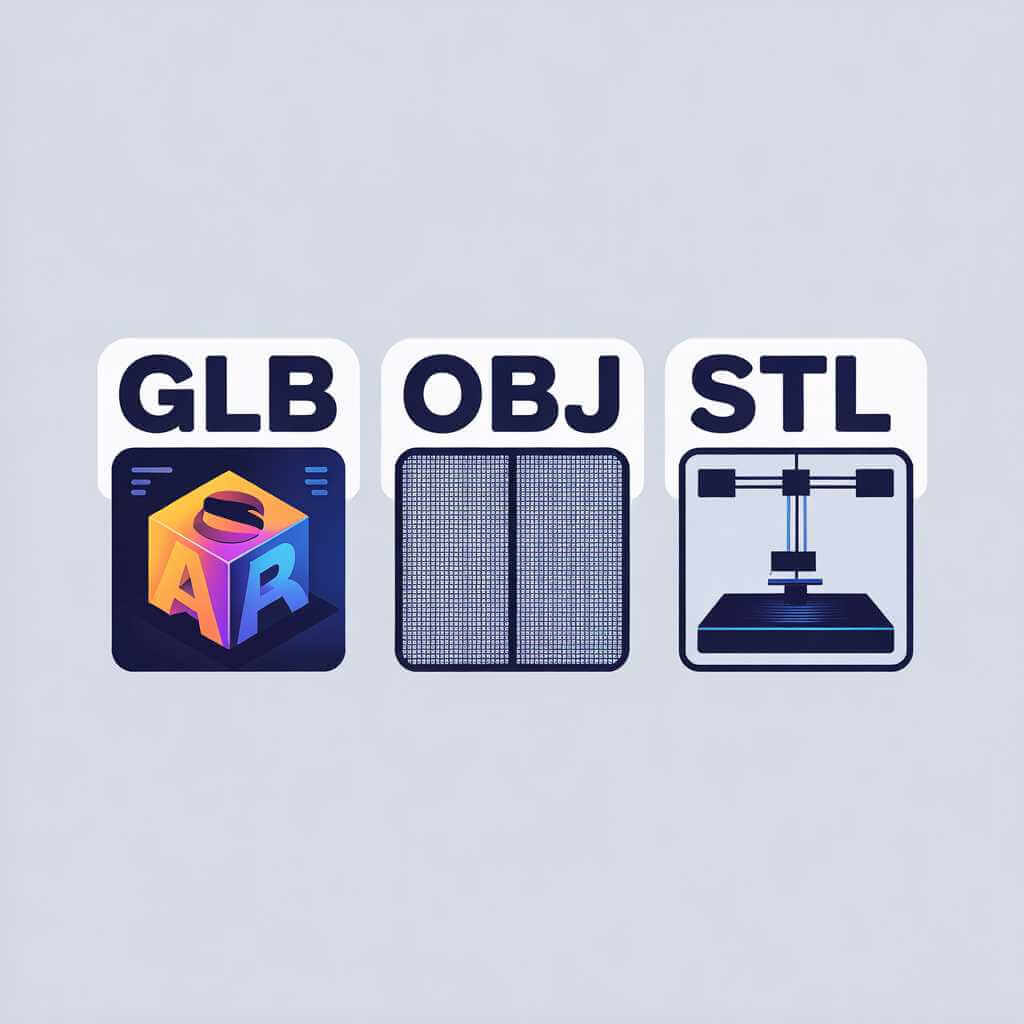
Export choice should match the destination, not your comfort zone.
- STL: best for 3D printing pipelines; it’s widely compatible with slicers, but it typically does not carry color/texture data, and it’s not friendly for editing.
- OBJ: widely supported, good for interchange, and can reference UV/texture data (often via companion files).
- GLB (glTF): popular for AR/web because it packages mesh + materials/textures efficiently in a single binary; many tools treat it as the “modern web/AR format.” (Tripo and other platforms commonly highlight GLB as a standard export format.)
If your goal is 3D printing, Tripo’s own export guidance recommends STL and even mentions settings like “Fine” and “Combine Objects” to simplify printing workflows.
Smartphone reality check: why mobile feels magical (and why it sometimes hurts)
Text-to-3D “on a smartphone” is usually a hybrid: your phone is the controller (prompting, previewing, exporting), while heavy generation often happens server-side.
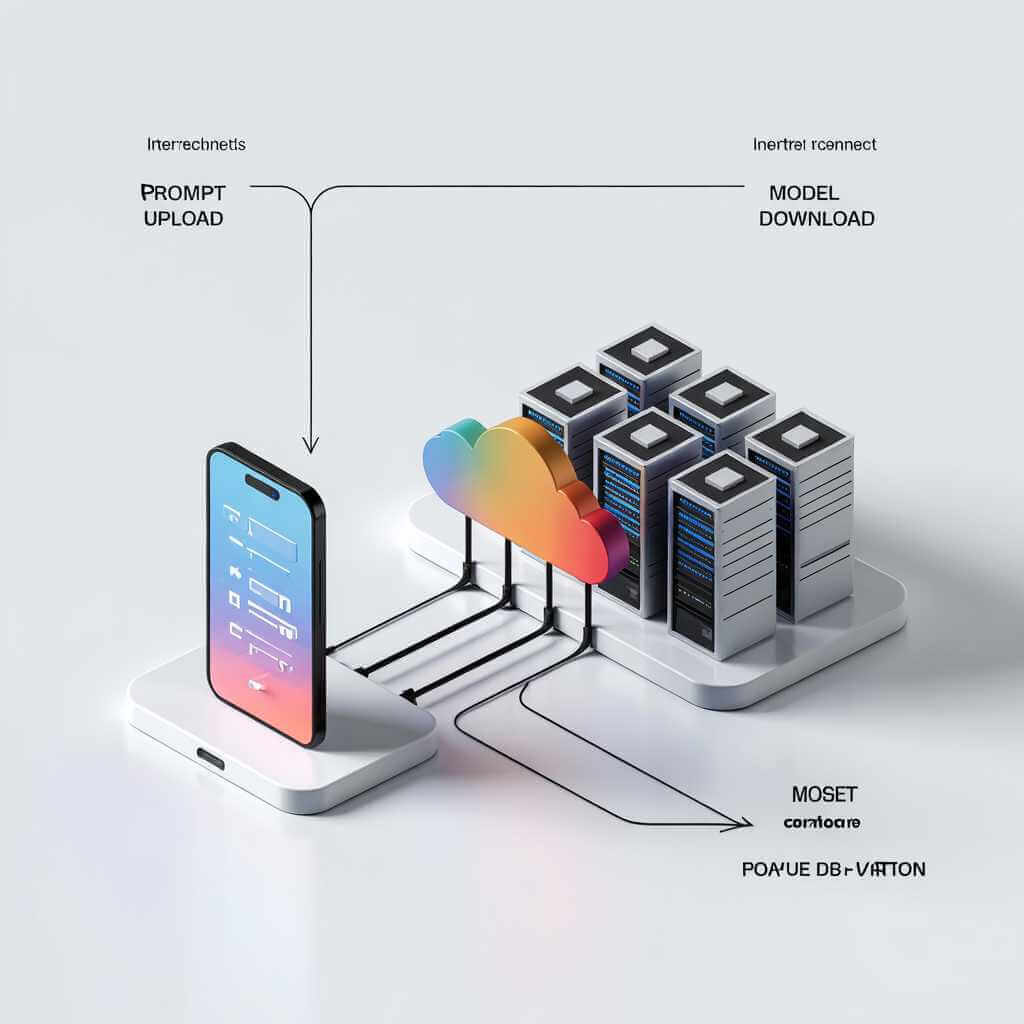
Server-side generation is often the better deal
From a phone-user standpoint, server-side generation has three practical advantages:
- Speed and thermals: your phone doesn’t have to run sustained heavy compute and throttle.
- Battery sanity: long local workloads drain fast and heat up.
- Consistent results across devices: the model quality depends more on the service than on whether you have the newest chipset.
This is also why many tools position themselves as platforms/services rather than “offline apps.” Even when an app UI feels native, the workflow commonly assumes an online pipeline and exports common formats like GLB/OBJ/FBX/STL to plug into Blender, Unity, Unreal, or printing.
The trade-offs: privacy, latency, and “credit anxiety”
The costs of server-side are real:
- Uploading prompts/images and downloading assets takes data.
- Queues and latency vary by time of day and your plan.
- Many services use credits/subscriptions, which changes how freely you iterate.
If you’re generating lots of models for an AR/VR prototype (my situation), iteration cost becomes a product decision: do you refine a single asset to perfection, or generate 20 “good enough” assets and pick winners?
Quick reference tables (formats + workflow checklist)
Best export format by use case
| Your goal | Export format | Why it’s the best default |
|---|---|---|
| 3D printing | STL | STL is widely supported in printing software and focuses on surface geometry; it generally does not carry textures/colors. |
| General interchange/editing | OBJ | OBJ is widely supported and can preserve UV/texture mapping data via associated files. |
| AR/web viewers | GLB (glTF) | Many generators and pipelines treat GLB as a standard for AR/web-friendly delivery and sharing. |
The “10-minute” checklist (what to actually do)
| Step | What you do on your phone | What you’re preventing |
|---|---|---|
| 1. Define destination | AR vs game vs print, choose GLB/OBJ/STL accordingly. | Wrong format, missing textures, painful conversions. |
| 2. Prompt with constraints | Single object, real-world scale, no text/logos, connected parts. | Non-manifold meshes, floating islands, unusable tiny details. |
| 3. Review in viewer | Spin model; check silhouette, symmetry, texture stretch. | Shipping broken assets into engine/printer. |
| 4. Targeted refine | “Thicken,” “remove text,” “one object,” “simplify.” | Endless re-rolls that don’t converge. |
| 5. Export and name versions | “mug_v03_glb,” “mug_v03_stl,” keep notes. | Losing track when you generate many variants fast. |
App-dev angle: using text-to-3D to feed an AR/VR prototype
When I was writing my AR/VR prototype, the biggest blocker wasn’t “can I make one cool model?” It was “can I make 30 models that load fast, look consistent, and don’t break my scene?”
Here’s the strategy that worked:
- Generate in families, not singles: “Create 10 variants of the same object category” (chairs, lamps, mugs).
- Enforce a style guide in the prompt: same materials, same palette, same realism level.
- Treat AI output like stock assets: you still QA them—polycount, manifold geometry (for print), texture quality (for AR), and scale.
- Prefer GLB for AR prototypes: it’s often the easiest “it just works” handoff into web/AR viewers, and many tools highlight GLB among their standard exports.
If you’re aiming for 3D printing instead, your “definition of done” changes: watertight geometry and clean surfaces matter more than textures, and exporting STL is the practical default for slicers.
FAQ: Text-To-3D on a smartphone
Q1: Can I do text-to-3D entirely on-device?
Most “text-to-3D on a smartphone” workflows are hybrid: your phone handles prompting, previewing, and exporting, while the heavy generation often happens server-side.
That server-side approach usually helps with speed and thermals (less throttling) and keeps results more consistent across different phones.
Q2: Which file format should I export: GLB, OBJ, or STL?
Use GLB/glTF when the model is headed to AR/web viewers because it’s designed as an efficient, interoperable delivery format for 3D content.
Use OBJ when you need interchange/editing and want to preserve more “visual” data (like texture mapping), and use STL for 3D printing because it focuses on surface geometry and broad slicer compatibility.
Q3: Why does my AI-generated model have holes, floating parts, or weird interiors?
These are common failure modes in text-to-3D outputs—especially thin parts, symmetry-sensitive features, and “separate islands” that don’t connect cleanly.
Do a fast “brutal first-pass review” by rotating the model and checking for missing detail, floating geometry, stretched textures, and strange interior shapes before you export.
Q4: What’s the fastest way to improve results without regenerating everything?
Make small, targeted re-prompts like “thicken the handle,” “remove engraving/text,” “keep it one object,” or “simplify spikes,” instead of restarting blindly.
This is usually the quickest path to cleaner geometry on mobile because you can iterate, review, and regenerate in the same session.
Q5: Are text-to-3D models “production-ready” for AR/VR or apps?
Some tools market “production-ready” steps (like retopology and PBR textures), but you still need to QA the asset before shipping it into a real pipeline.
If you’re exporting glTF/GLB for real-time use, it also helps to understand that glTF 2.0 includes Physically Based Rendering (PBR) support for portable material descriptions across platforms.
Q6: How do I keep a consistent style across many generated models?
In your prompt, add “consistency knobs” (same style, same materials, same palette, same scale) so the outputs feel like a set instead of random one-offs.
This matters most when you’re generating many unique assets for an AR/VR prototype, where consistency often beats perfection.
Q7: What should I do differently if my goal is 3D printing?
Choose STL as your default export for printing workflows, because STL is geometry-focused and widely compatible with printing software.
Also re-prompt for print-friendly changes (thicker parts, fewer spikes, simpler surfaces) since tiny details and thin geometry often fail.
Q8: Why do export formats matter so much?
Export formats aren’t interchangeable: STL is essentially geometry-only, while OBJ/GLB can carry more of the “visual meaning” (materials/textures) that AR and games depend on.
Picking the format based on where the model will live prevents painful conversions and missing-texture surprises later.
Conclusion: your next 10 minutes
Text-to-3D on a smartphone is at its best when you treat it like rapid prototyping: define the destination, prompt with constraints, review like a developer, refine surgically, then export the format your pipeline actually needs. STL is the no-drama choice for printing (geometry-first), OBJ is a flexible interchange format, and GLB is commonly the smooth path for AR/web sharing.
If you’re building an AR/VR app, try this as a next step: pick one object category (like “desk props”), generate 15 variants with a strict style prompt, export as GLB, and drop them into your scene to see what breaks first—scale, lighting, texture quality, or performance.