Table of Contents
TL;DR
- Smartphones are prime hacker targets, and classic tools like passwords and basic antivirus are no longer enough.
- Zero-Trust treats every access request as untrusted and verifies it continuously, limiting each app and user to the minimum permissions needed.
- Behavioral protection uses AI to learn normal device and user behavior, then flags anomalies such as unusual logins, data transfers, or app activity.
- Together, Zero-Trust and behavioral protection create multi-layered security that can stop threats like phishing, ransomware, unauthorized access, and data exfiltration before major damage.
- On Android, you should enable Google Play Protect, use a reputable VPN, install behavioral security apps, review app permissions, and keep the system updated.
- On iOS, you should enable automatic updates, use enterprise Zero-Trust apps where relevant, turn on privacy/behavioral tracking features, limit background activity, and enforce strong biometric MFA.
- These measures help your phone detect and block suspicious actions in real time, making it significantly harder for attackers to steal data or compromise your device.
Introduction
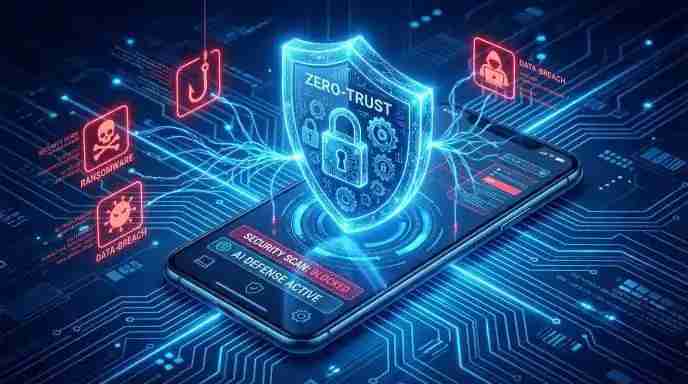
Smartphones have become a prevalent target for hackers because they are used to manage personal information, conduct business and oversee finances. As a result, standard security methods like firewalls, passwords and basic antivirus software are no longer enough to protect against modern cyber threats like ransomware, phishing and advanced malware. Thus, a smarter and more adaptable security solution is required.
Thus, behavioural protection and zero-trust security are useful by continuously checking each program, user and connection in line with the tenet of never trusting and always verifying the potential threats before they harm your device by identifying unusual activity patterns and employing behavioural defence.
When combined, these technologies provide a multi-layered protection strategy that is critical to the security of today’s smartphones.
This document provides step-by-step instructions for strengthening your phone’s defence against both known and undiscovered threats. These techniques are intended for real-world application and quantifiable outcomes regardless of whether you are a professional, a casual user or a tech enthusiast.
Comprehending Zero-Trust Security for Mobile Technology
Zero-Trust represents a paradigm change in cybersecurity which presumes that devices within a network are secure by considering each access request as potentially hazardous until it is validated.
Important Zero-Trust Principles:

- Constant verification of everything includes all data access, app requests and logins.
- Granting minimum privilege access to users and apps.
- Segmented Security provides prevention against data breaches by dividing networks, apps and data into distinct areas.
- Constant Monitoring of every action is recorded and tracked in real time.
For instance, Zero-Trust protocols can prevent an app from accessing your contacts or location in an unexpected way that reduces the risk of data leaks or unauthorized access even if it had been granted permission previously.
Because zero-trust design removes the presumption that any user, application or network connection is intrinsically trustworthy, it has become essential for mobile security. The Zero-Trust paradigm prevents lateral movement within the system, even if a single application or network path is compromised by a hacker.
Smartphones, which store highly sensitive assets such as banking apps, business emails, authentication credentials and personal media, make this strategy even more crucial.
Behavioural Security: How Your Phone Recognises Dangers
AI and machine learning are used in behavioural protection to track trends in user and device behaviour. It can uncover threats that were previously unknown by spotting unusual activity in contrast to signature-based antivirus programs.
Behavioural Protection Components may include the following such as:
- App Behaviour monitoring identifies odd network behaviour or data access from installed apps.
- Activity Analysis of a user can track login times, locations and access patterns to identify irregularities.
- Real-Time Alerts enable you to take prior action to a breach by receiving instant notifications.
Behavioural protection can enable the system to spot anomalies and gradually increase detection accuracy as cyber threats evolve such as transferring data to an unauthorised and unidentified server even if a malware strain lacks a recognised antivirus signature. It continuously learns typical device behaviour patterns while operating silently in the background.
Step-by-Step iOS and Android Implementation
Android Implementation:
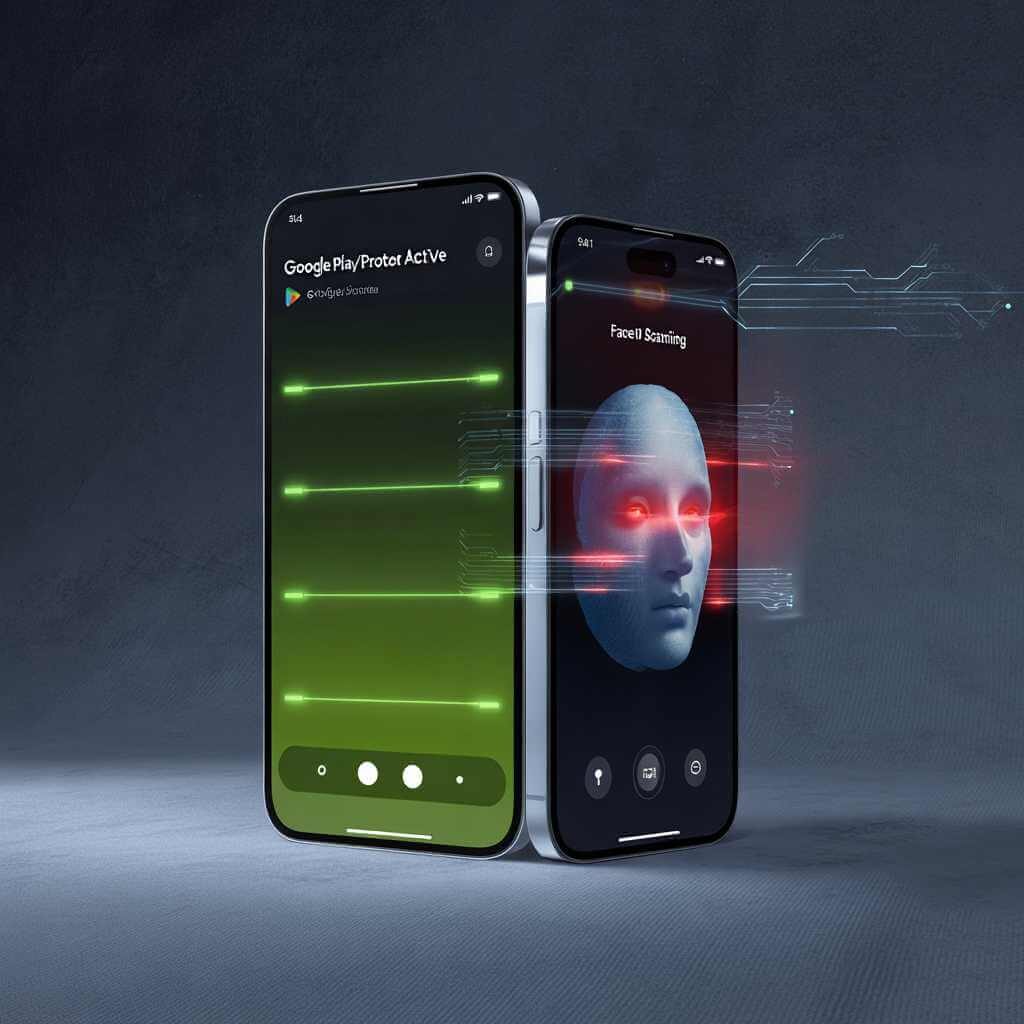
- Turn on Google Play Protect to automatically check for dangerous apps.
- Use Reliable VPNs offer encrypted network connections including Zscaler, Cloudflare WARP and NordVPN.
- Install Behavioural Protection Apps to look out for and malwarebytes mobile security.
- Examine the app’s permissions to refrain from granting sensitive data unwarranted access.
- Maintaining regular system updates to address OS and app vulnerabilities by employing reputable disk-management software to assist storage integrity and prevent data loss. Thus, professional utilities such as EaseUS Partition Master allow users to manage partitions by optimising storage and secure vital files.
Implementation of iOS:
Set up automatic updates for iOS system patches and apps, such as;
- Enterprise Account Zero-Trust Applications include Zscaler or Cisco Duo Mobile.
- Activate Behavioural Protection features ensure Tracking Transparency and Privacy Reports.
- Limit Covert Activity reduces risk exposure and the background activity of other apps.
- Robust Authentication ensures multi-factor authentication such as Touch ID and Face ID for every account.
Typical Dangers Zero-Trust Can Prevent
Behavioural protection and zero-trust work well against a variety of threat vectors, such as:
- Phishing attacks are designed to protect against fraudulent URLs or malicious login attempts.
- Ransomware and malware are used to detect suspicious activity before execution.
- Unauthorised access to ongoing verification and stealing credentials are insufficient.
- Data exfiltration may prevent applications from transmitting private information to third parties.
In a real-time scenario, when a user is tricked into submitting credentials via a phishing email, behavioural alarms in conjunction with Zero-Trust verification can prevent harmful data access and thwart login attempts even when traditional security fails.
The Best Ways to Keep Security Up to Date
There are the following best ways of securing the data, such as;
- Frequent OS and app updates may stop known vulnerabilities from being exploited.
- Strong Authentication ensures that every account has multi-factor authentication.
- Apps should be downloaded from reliable sources and their permissions should be examined.
- Track Device Behaviour for odd notifications such as data spikes and unusual battery depletion.
- Utilise Secure Networks for sensitive activity such as the use of VPNs and staying away from open Wi-Fi.
- Encryption and backup enable regular backups of essential data. Reliable disc management and backup tools such as AOMEI partition and backup solutions can help users to protect their data and quickly restore computers in the event of a ransomware attack and device failure.
Real-time Case Study
A phishing email imitating an internal HR communication was sent to a company executive’s smartphone. Normally, visiting the link may result in malware installation and data theft. However, behavioural protection detected abnormal login behaviour, such as;
- Zero-Trust prevents unauthorised network access.
- No compromise of essential data.
- Immediately stopped the authorised access.
The combination of behavioural monitoring and Zero-Trust verification developed a strong and multi-layered security framework which dramatically lowers cyber risk as compared to conventional mobile security techniques by improving threat detection and stops unauthorised activity before it compromises sensitive data and concurrently validating each access request.
FAQ
Q1: What is Zero-Trust security?
Zero-Trust is a cybersecurity model that assumes no user, app, or device is trustworthy by default, requiring constant verification for every access request, minimal privileges, network segmentation, and real-time monitoring. It prevents threats from spreading even if one part of the system is compromised.
Q2: How does behavioral protection work on phones?
Behavioral protection uses AI and machine learning to monitor user and app patterns, detecting anomalies like unusual data access or logins that signature-based antivirus might miss. It provides real-time alerts and learns over time to improve accuracy against evolving threats.
Q3: What steps should Android users take?
Enable Google Play Protect, use VPNs like NordVPN or Zscaler, install apps such as Malwarebytes, review app permissions, keep updates current, and use disk management tools for storage security.
Q4: What steps should iOS users take?
Set automatic updates, deploy Zero-Trust apps like Zscaler or Cisco Duo, activate Tracking Transparency and Privacy Reports, limit background app activity, and use biometrics like Face ID with MFA.
Q5: Can this stop phishing or ransomware?
Yes, it blocks phishing by verifying login attempts, detects ransomware/malware via suspicious behavior before execution, prevents unauthorized access, and stops data exfiltration to unknown servers.
Q6: Is this only for experts?
No, the steps are practical for casual users, professionals, or enthusiasts, focusing on built-in phone features and simple apps for everyday protection.
Conclusion and Key Takeaways
Smartphones store the most sensitive data by making them prime targets for attackers but still standard security measures are ineffective in today’s dangerous environment. Thus, implementing Zero-Trust security and behavioural protection enables you to:
- Review ongoing app access and permissions.
- To utilize AI-powered monitoring for real-time detection of inconsistencies.
- Provide protection against phishing, malware, unauthorized access and data breaches.
By 2026, regular monitoring and software updates will enhance your mobile device’s security and maintain protection through effective app management.
Combining advanced frameworks such as Zero-Trust and behavioral protection offers a strong defense against evolving threats. Security requires ongoing attention rather than a one-time setup.