Table of Contents
TL;DR — Smartphone UI Design Trends for 2026
- Apple iOS 26 introduced Liquid Glass — a translucent, frosted material applied across the entire interface, marking the biggest visual redesign since iOS 7 in 2013
- Liquid Glass looks stunning in demos but has drawn real criticism for poor contrast, legibility issues in bright light, and no full opt-out for users who need high contrast
- Samsung One UI 8.5 skipped a visual overhaul and focused on AI and customization — Quick Settings are fully resizable, editable via Good Lock, and faster to reach than any previous version
- Samsung borrowed subtle Liquid Glass-inspired elements (floating buttons, glass icons) but stopped short of a full material redesign — One UI 9.0 is where that may change
- Xiaomi HyperOS 2 is the most underrated interface of 2026 — iOS-adjacent in layout, rebuilt animations, and a premium feel at a fraction of the price
- Gesture navigation is now the dominant input model across all three platforms — Samsung is the only major maker still shipping flagship phones with buttons as the default
- Adaptive AI is shifting from a feature you open to a layer running under everything — learning your habits and surfacing what you need before you ask
- Choose iOS 26 if you want a cohesive, polished experience that just works out of the box
- Choose One UI 8.5 if you want full control, AI flexibility, and a customizable daily interface
- Choose HyperOS 2 if you want a modern, fluid design without paying flagship Apple or Samsung prices
- The direction across all three platforms is the same: less chrome, more content — the best interface is the one that gets out of your way
Smartphone UI Design Trends for 2026
Pick up your phone right now. What do you see? A grid of icons? A translucent glass panel? An AI-generated suggestion telling you what to do next? Whatever you’re looking at, there’s a good chance it looks completely different from a phone screen two years ago. Smartphone interfaces have shifted fast enough that even power users are doing a double-take.
I’ve been testing phones across all three major ecosystems for years — and 2026 feels like a genuinely different kind of year. Not just incremental updates to button colors and font sizes. These are real philosophical shifts in how phone makers think about the screen, the user, and the relationship between them.
Here’s a full breakdown of where the smartphone ui design trends for 2026 are heading, who’s leading the charge, and which interface you should actually be living with.
Apple iOS 26: Liquid Glass Is Either Genius or a Design Risk
When Apple unveiled iOS 26, one thing grabbed all the attention: Liquid Glass. This is Apple’s biggest visual redesign since iOS 7 back in 2013 — and that’s not a small claim.
What Liquid Glass Actually Does
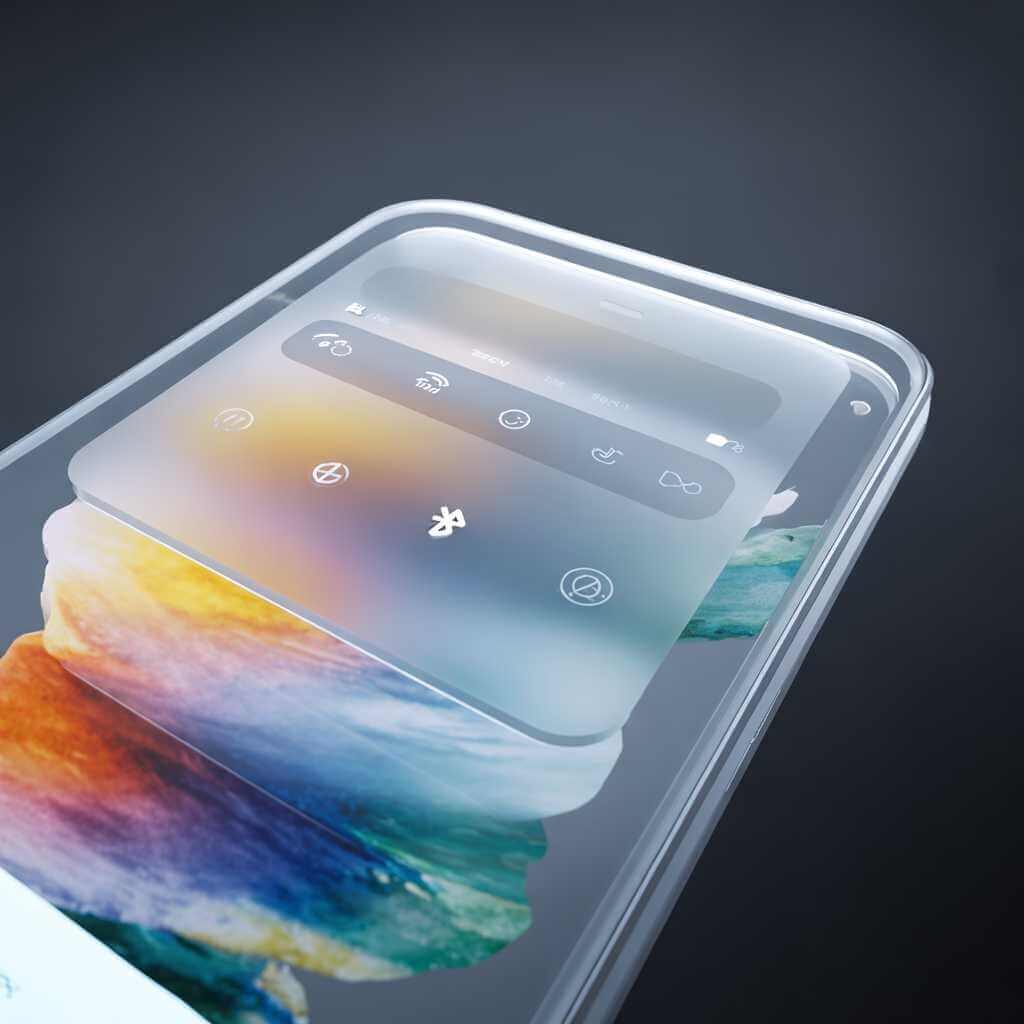
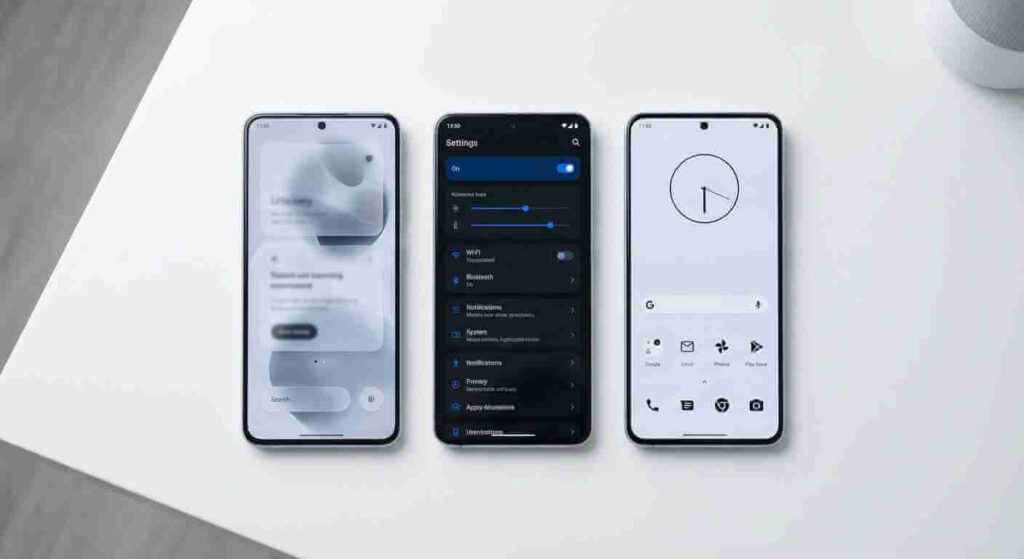
Liquid Glass is a translucent material applied across the entire iOS interface — lock screen clock, notifications, quick-access buttons, tab bars, and more. According to Apple’s support page, it “refracts and reflects content in real time,” bringing a more expressive and layered experience to apps, navigation, and controls. MacRumors called it “the first major design change we’ve had to iOS in years” — and confirmed it now extends across every Apple platform, not just the iPhone.
In practice, your notifications look like frosted glass panels floating above your wallpaper. Your control center bleeds into the background. The whole phone starts to feel less like a flat grid and more like a layered, physical surface.
I remember the first time I unlocked an iPhone running iOS 26 in a coffee shop. Ambient light from the window behind me bled through the notification cards on my lock screen. It looked genuinely beautiful. Then I tried reading an alert in direct sunlight. That was less beautiful.
That single moment captures the Liquid Glass debate. Apple built an interface that looks stunning in controlled environments, but accessibility experts have raised real concerns about legibility
for users with low vision. The contrast between translucent elements and variable wallpapers can fall apart in bright or low-light conditions. Apple has since pushed iOS 26.1 with improved opacity and better contrast — the design is clearly evolving, and Apple is listening. Slowly, but listening.
Why Is Liquid Glass So Controversial?
The short answer: it looks great in demos and creates real headaches in daily use. The Nielsen Norman Group ran a thorough usability analysis and concluded Apple is “prioritizing spectacle over usability” — placing transparent UI elements on top of busy backgrounds, which is one of the oldest anti-patterns in interface design. Text gets lost. Buttons blur into wallpapers. Tab bars shrink and crowd. Wired captured the split reaction among professional designers perfectly: the word “beautiful” and the phrase “hard to read” appeared in the same breath, often from the same person.
Accessibility advocates raised the loudest objections — users with low vision reported eye strain and even vertigo from the constant motion and transparency. There is no full opt-out. Turning on Reduce Transparency and Increase Contrast in Settings pulls back some of the effect, but Liquid Glass remains present throughout the interface regardless. Apple’s position is clear: this is the direction, and the interface will keep improving — but users who rely on contrast and clarity are right to push back hard.
Apple Intelligence Woven Into Everything
Apple Intelligence now runs through iOS 26 at a deeper level. Visual Intelligence lets you point the camera at anything on screen and ask questions about it. Live Translation works across Messages, Phone, and FaceTime. Shortcuts has been extended with new agentic actions that let the phone carry out multi-step tasks without hand-holding. It’s not just a layer of features — it’s a redesign of what “using your phone” actually means.
Samsung One UI 8.5: Smart, Flexible, and Unapologetically Android
Samsung took a very different path. After the sweeping visual overhaul that came with One UI 7, One UI 8 and its follow-up 8.5 chose refinement over reinvention.
Galaxy AI as the Interface Layer
Where Apple bakes intelligence into the visual layer, Samsung front-loads it through dedicated AI tools. One UI 8.5 introduced Now Nudge — a contextual suggestion engine that surfaces what you need at exactly the right moment. If a friend asks you for photos mid-conversation, Now Nudge automatically pulls relevant images from your Gallery before you even open the app. Samsung showcased this at MWC 2026 as part of their broader “agentic AI” strategy — a system that acts on your behalf rather than sitting idle until called.
Visually, One UI 8.5 takes a quiet approach: status bars and navigation bars now blend into the screen edge, and they disappear entirely when you scroll into an app. The result is a wider, cleaner view with less visual noise. It’s subtle, but it changes how spacious the interface feels.
Quick Settings: Where the Two Philosophies Collide
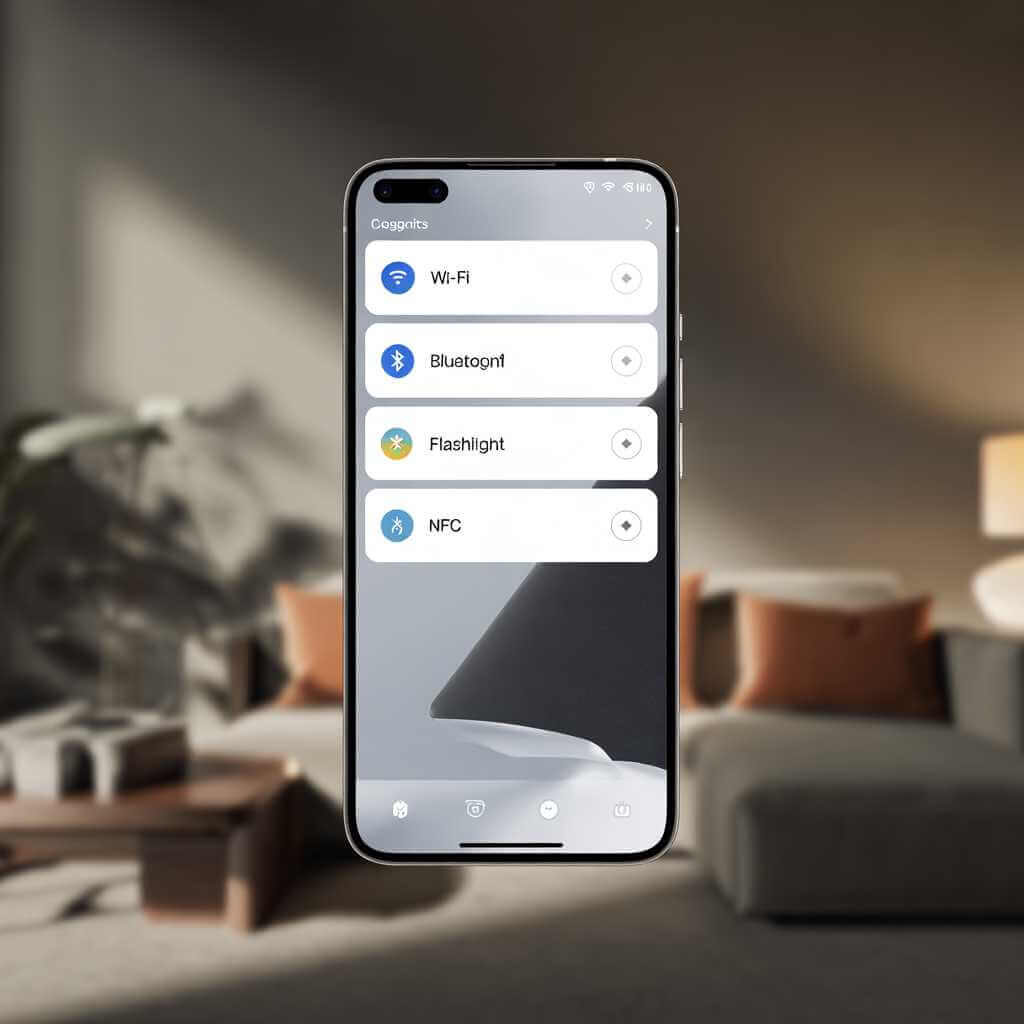
Apple’s Control Center in iOS 26 is visually striking — translucent Liquid Glass panels float above your wallpaper in real time. But customization stops at adding or removing tiles. You cannot resize them, change grid density, or use third-party tools to edit layout.
One UI remains the power user’s choice. Quick Settings in 8.5 are fully customizable, edge-to-edge, and faster to reach than before. Bixby has been upgraded to work conversationally, and — in a move Apple would never make — users can also access Gemini or Perplexity as alternative AI agents from the same entry point.
| Feature | iOS 26 Liquid Glass | One UI 8.5 Quick Panel |
|---|---|---|
| Visual Style | Translucent glass material, wallpaper bleeds through | Clean, flat panels with minimal transparency |
| Toggle Resizing | Not supported | Full resize support per tile |
| Custom tile images | Not supported | Supported via Good Lock QuickStar |
| Landscape editing | Not supported | Supported via QuickStar |
| Toggle/disable glass effect | Yes, via Accessibility shortcut in Control Center YouTube | N/A — no glass material to toggle |
| Legibility concerns | Yes — contrast issues on busy wallpapers | No — solid UI elements are always readable |
| Brightness/volume slider values | Shown visually | Shown numerically via QuickStar |
| Third-party customization tools | None | Good Lock / QuickStar ecosystem |
One honest quirk worth flagging: as of early 2026, Samsung still ships the Galaxy S26 Ultra with physical navigation buttons as the default. Gesture navigation is available but has to be switched on manually in settings. That same reluctance to break old habits signals that Samsung continues to prioritize familiarity for its broader user base over pushing the design forward by default.
Samsung One UI 8.5: Top 20 Changes That Make Daily Use Better
Will One UI 8.5 Get Liquid Glass?
Sort of — and that’s the most honest answer available right now. 9to5Google noted that One UI 8.5 already carries clear Liquid Glass-inspired touches: floating back buttons inside Settings and first-party apps, rounded floating navigation bars, and subtle transparency in the Gallery. Samsung borrowed the structural idea of elements floating above the background, without committing to the full translucent glass material Apple uses.
Samsung was even internally testing a full Glass UI design language for One UI 8.5 — screenshots leaked showing glass-style Quick Panel toggles and notification cards — but that full overhaul never shipped in the stable release. Glass icon styles did land, letting Galaxy users apply a glossy, translucent look to home screen app icons. All signs point to One UI 9.0 as the release where Samsung may go further — concept designs are already circulating that show a fully glass-layered Control Center and lock screen.
For now, One UI 8.5 sits in an interesting middle ground: influenced by Liquid Glass, but disciplined enough not to copy it wholesale.
Xiaomi HyperOS 2: The Underrated Contender
Xiaomi rarely leads the conversation on smartphone UI design, but HyperOS 2 deserves an honest look.
HyperOS Super Island: The Ultimate Deep Dive Guide for Xiaomi Power Users
A Visual Language That Borrows Selectively and Effectively
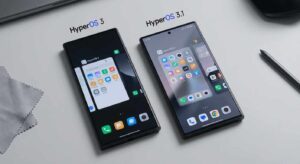
HyperOS 2 positions itself as taking the best of Android’s functional simplicity and iOS’s visual fluidity. The settings menu now groups options into thematic blocks instead of the old horizontal-line-divided sections — cleaner, faster to scan, and more intuitive to a first-time user. One breakdown noted the new look is “reminiscent of iOS,” which is blunt but accurate.
System animations were rebuilt from scratch. The lock screen-to-home-screen transition fades and zooms simultaneously. Pulling down the notification shade brings a fly-in from the corner. Written down, those changes sound minor. On a device running Snapdragon 8 Gen 3, the cumulative effect is fluid enough to feel genuinely premium.
Small flourishes matter too. HyperOS 2’s weather app introduced a 3D real-time dynamic weather system powered by atmospheric models — a detail that shows a design team thinking beyond pure utility. It’s the kind of thing you notice every morning and never quite stop appreciating.
Apple vs Samsung vs Xiaomi: Interface Face-Off
| Dimension | Apple iOS 26 | Samsung One UI 8.5 | Xiaomi HyperOS 2 |
|---|---|---|---|
| Visual Design | Translucent Liquid Glass; biggest redesign since 2013 | Refined, minimal; disappearing navigation bars on scroll | Clean and structured; iOS-adjacent layout |
| AI Integration | Woven into visuals — Visual Intelligence, Live Translation | Dedicated suite: Now Nudge, Bixby, Gemini, Perplexity | Smart suggestions and rebuilt animations; less front-facing |
| Customization | Limited; Apple controls the experience | Extensive — icon packs, layouts, widgets, Quick Settings | Moderate; more open than iOS, less than Samsung |
| Gesture Navigation | Gesture-only by default; fluid and consistent across apps | Buttons still the default; gestures available via settings | Fluid gesture system on by default on flagship models |
| Accessibility | Liquid Glass contrast concerns in bright/low light | Keyboard magnification, adjustable text, strong history | Improving; fewer legacy options than Apple or Samsung |
| Best For | Users who want a polished, cohesive, just-works experience | Power users who want control and AI flexibility | Budget-conscious users who want a modern premium feel |
Gesture Navigation: The Trend That Changes Daily Use Most
Of all the smartphone ui design trends for 2026, gesture navigation is the one most people feel without being able to name it. The three-button bar at the bottom of the screen is being retired — and fast.
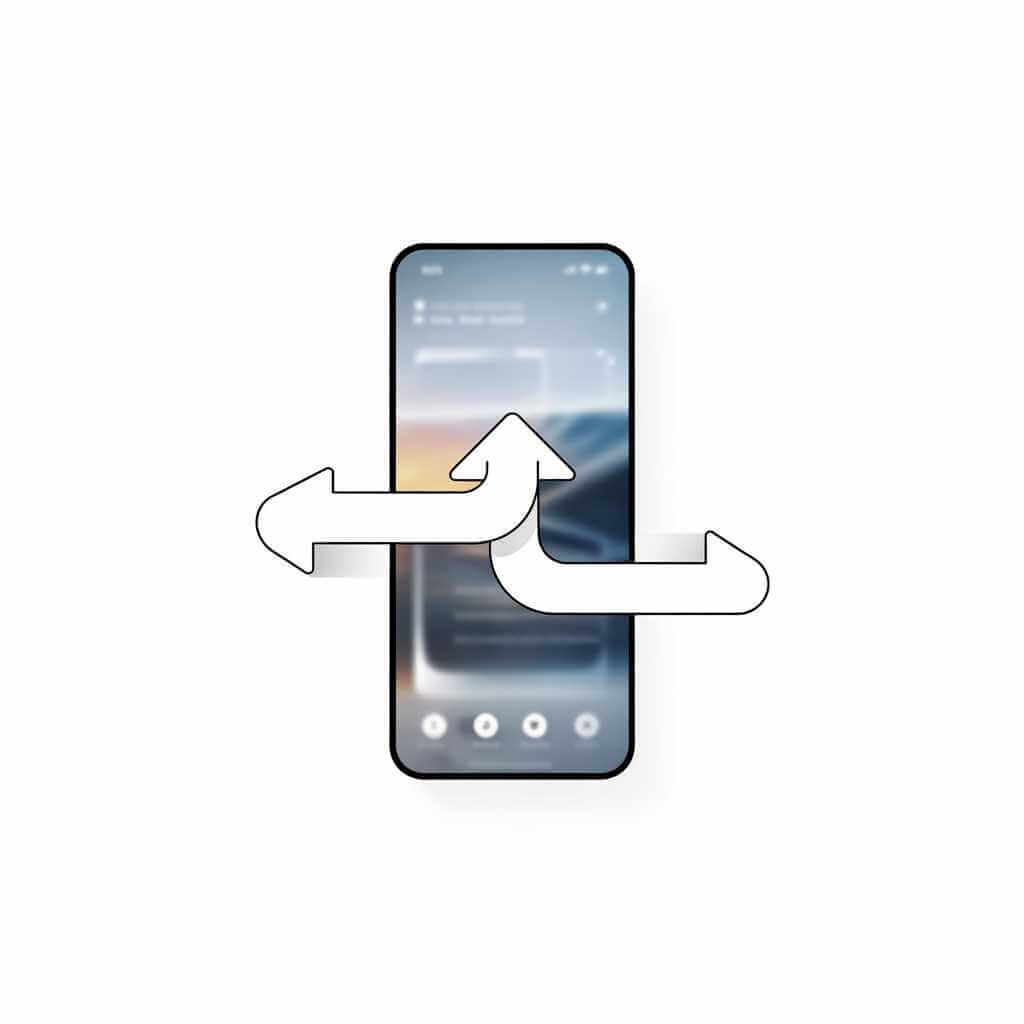
Swipe up to go home. Swipe from the edge to go back. Swipe up and hold to see all open apps. Phone Simulator’s 2026 analysis of mobile navigation patterns confirms gesture navigation now dominates across platforms. The payoff is more visible screen real estate and a native feel that button-based navigation simply can’t match.
I noticed this sharply when I went from a gesture-based iPhone back to a Samsung with navigation buttons still set to default. It wasn’t just visual — those three buttons made the interface feel like it was pushing back against me. After switching to gestures in Samsung’s display settings, the experience clicked into place within a couple of hours. I haven’t touched the button option since.
Sidekick Interactive’s best practices guide points out that haptic feedback is the engine running silently behind gesture confidence. Without a physical confirmation that a swipe registered, users second-guess themselves and slow down. Apple still leads on haptics. Samsung is close. Xiaomi has caught up on its flagship lineup.
The 3 Most-Used AI Features in Smartphones (And How to Get the Most Out of Them)
Adaptive AI Interfaces: Your Phone Learns How You Live
One trend running through all three platforms is the shift toward interfaces that change based on who’s using them and when.
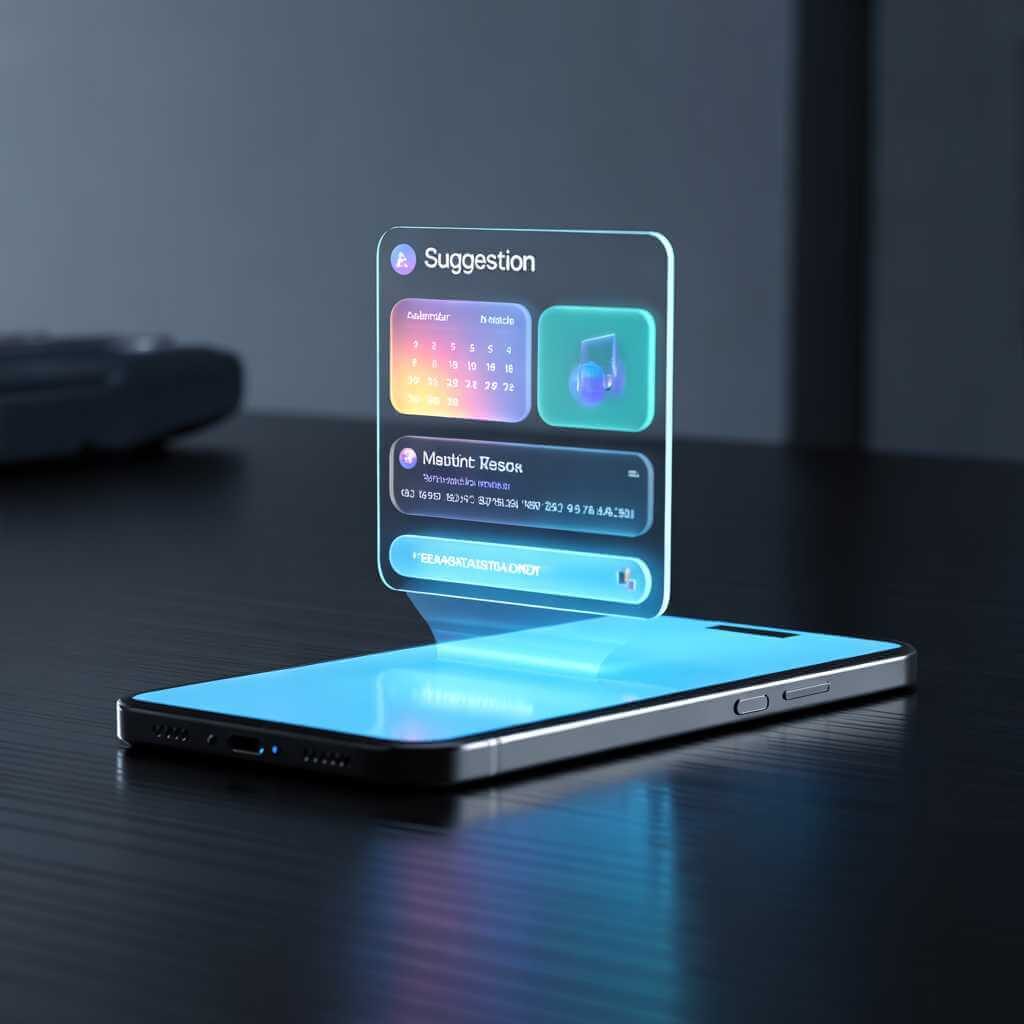
Vertu’s 2026 designer smartphone report describes phones that “anticipate needs before the user acts.” If you travel constantly, the interface foregrounds translation tools and currency converters. If you code late at night, dark mode activates before you touch a setting. Samsung’s Now Nudge is the most visible current expression of this, but Apple’s Apple Intelligence and Xiaomi’s rebuilt AI layer all point the same direction.
Forbes reported at the end of 2025 that smartphone AI is shifting from “added-on features” to native, always-present intelligence — running on dedicated edge processors and no longer dependent on a cloud connection. AI smartphones in 2026 are increasingly defined by what industry analysts call “agentic AI” — systems that anticipate your next move rather than waiting for explicit input.
The practical result is a phone that gets easier to use the longer you own it. That’s a genuinely new proposition.
Who Should Choose Which Interface?
Getting the most out of any of these interfaces means moving past the factory settings. The real value sits in the layers underneath — gesture shortcuts you never configured, AI routines that need one setup to run for years, Quick Settings tiles collecting dust three rows down.
Think of each interface as an illustration of a design philosophy brought to life — the same way a visual style defines a brand, each OS uses its design language to tell you exactly who it was built for. Most people accept the defaults and live inside a fraction of what the interface can do.
Pick one platform, learn its actual depth, and the experience shifts completely.
Choose Apple iOS 26 if you want a polished, cohesive experience and you’re comfortable letting Apple make the design decisions. iOS suits users who move across multiple Apple devices, care about long-term software support, and want a phone that requires minimal setup. As the 2026 ecosystem comparison on Universal Stream Solution puts it: Apple’s combined control over hardware and software means apps run predictably and updates reach every device at the same time.
Choose Samsung One UI 8.5 if you want to control your phone rather than be guided by it. Anyone who has resented an app refusing customization will be more comfortable here. The Galaxy AI feature set is broad, the openness to third-party AI agents is real, and the customization ceiling is high enough that two people can own the same Samsung phone and have entirely different daily interfaces.
Choose Xiaomi HyperOS 2 if you want a modern, fluid interface without paying flagship Apple or Samsung prices. HyperOS 2’s design quality per dollar is hard to match anywhere else in the market. It’s a strong choice for users who want an iOS-adjacent experience on Android — structured, clean, visually polished — without buying into a closed ecosystem.
FAQ: Smartphone UI Design Trends for 2026
Q1: Can I turn off Liquid Glass on iOS 26?
There is no full off switch. You can reduce the effect by enabling Reduce Transparency and Increase Contrast under Settings → Accessibility → Display & Text Size, which pulls back most of the glass material. iOS 26.1 also added per-element opacity controls, giving you finer adjustment without disabling the design system entirely. A complete Liquid Glass toggle does not exist — Apple has been clear this is the direction of the platform.
Q2: Is One UI 8.5 available for all Samsung Galaxy phones?
No. One UI 8.5 rolled out first to the Galaxy S25 series and select Galaxy Z Fold and Flip devices. Older flagships like the S24 series received the update on a staggered schedule through early 2026. Mid-range and budget Galaxy devices typically receive a lighter version of the update with fewer AI features enabled. Check Samsung’s official update tracker for your specific model.
Q3: Which smartphone interface is best for accessibility?
Samsung One UI 8.5 has the broadest accessibility toolkit — including adjustable font sizes, high-contrast modes, and a magnification keyboard. Apple iOS 26 has strong accessibility foundations but drew criticism for Liquid Glass contrast issues that affect users with low vision. Xiaomi HyperOS 2 is improving in this area but still lags behind Apple and Samsung in the depth of legacy accessibility options.
Q4: Does Xiaomi HyperOS 2 support Google apps and services?
Yes. HyperOS 2 runs on Android and ships with full Google Play Services and the Google app suite on all devices sold outside China. The Chinese domestic version ships without Google services, but the global version has no such restriction and behaves like any standard Android phone.
Q5: Will Samsung One UI ever fully adopt Liquid Glass?
One UI 8.5 already carries Liquid Glass-inspired elements — floating buttons, glass-style app icons, and subtle transparency in first-party apps. A full glass material overhaul was tested internally but did not ship in the stable 8.5 release. One UI 9.0 is the version most likely to take that step further, based on leaked concept designs currently circulating.
Q6: What is gesture navigation and should I switch to it?
Gesture navigation replaces the three on-screen buttons (back, home, recents) with swipe movements — swipe up to go home, swipe from the edge to go back, swipe up and hold to see open apps. It frees up screen space and makes the interface feel more fluid. iOS 26 uses gestures exclusively with no button option. Samsung still defaults to buttons but gesture navigation is available in Settings → Display → Navigation Bar. Most users who switch to gestures do not go back.
Q7: Which interface is best for someone switching from Android to iPhone?
iOS 26 has a smoother onboarding experience for switchers than in previous years, with the Move to iOS app handling data transfer. The biggest adjustment is losing Android’s customization depth — you cannot change default layouts, resize home screen elements freely, or use third-party launchers. If customization is important to you, Samsung One UI 8.5 gives you the closest Android equivalent of a premium, polished interface without the iOS learning curve.
Where UI Design Goes From Here
The direction across all three platforms is consistent: less chrome, more content. Liquid Glass does this through transparency. One UI 8.5 does it by removing navigation elements during use. HyperOS 2 does it by stripping out visual clutter.
AI is shifting from a feature you open to a layer running under everything — adapting, predicting, and surfacing what you need before you act. The smartphone ui design trends for 2026 that matter most aren’t loud. They’re the ones you stop noticing because they’ve gotten out of your way.
The best phone interface is the one that disappears.
Have a take on which interface deserves the top spot? Drop it in the comments. And if you want hands-on side-by-side comparisons of the Galaxy S26, iPhone 17, and Xiaomi 15, check out TechInDeep’s full device review series.