Table of Contents
TL;DR
The iPhone 14 can still be worth buying in 2026 if you find it at a genuinely good price and your needs are basic-to-moderate (calls, messaging, social apps, streaming, navigation, casual photos). It’s still fast enough for everyday use and should keep getting iOS updates for a while, but it’s no longer the best “buy once, keep for years” option.
The biggest downsides in 2026 are practical: many used/refurb units will have noticeable battery wear, it still uses Lightning instead of USB‑C, and it misses newer flagship features—especially the AI-focused capabilities Apple is pushing on newer models. Camera quality is still good, but the jump to newer iPhones (notably iPhone 15 and up) is real thanks to the 48MP main camera and brighter display.
If you’re on a tight budget and you’re okay with potentially budgeting for a battery replacement, the iPhone 14 is a solid value pick. If you can stretch, iPhone 15 is the smarter all-around upgrade for most people, and if you want maximum future-proofing, you should look at models that support Apple’s newest on-device intelligence features.
Why this question matters in 2026
Buying a phone in 2026 isn’t just about “does it work today?”—it’s about whether it still feels good after two more iOS releases, two more years of battery wear, and another wave of features Apple markets as “the new normal.”
The iPhone 14 sits in a very specific sweet spot: it’s new enough to feel modern, but old enough to be heavily discounted—especially refurbished or used.
For a bigger-picture look at the 2026 phones worth waiting for, see our most-awaited roundup.
The short verdict (expert take)
The iPhone 14 is still worth considering in 2026 if you’re budget-focused and your daily use is mostly social apps, photos, messaging, browsing, and casual gaming—because the A15-class performance is still “fast enough” for most people.
But if you’re buying with a “keep it until 2030” mindset, the iPhone 14’s biggest problems are not speed—they’re missing next-gen features and buying into a device that likely has an older battery (unless it’s truly new or has a verified battery replacement).
iPhone 14 in 2026: what you still get
Performance: still smooth for normal life
The iPhone 14 uses Apple’s A15 Bionic platform, and in real-world terms that still means fluid app launching, responsive scrolling, and stable day-to-day multitasking for typical users in 2026.
From a buyer’s perspective, the practical win is that this generation is “known stable”: accessories are everywhere, repairs are well understood, and most of the early-life quirks have long been documented.
Battery (on paper): decent endurance
Apple rates iPhone 14 battery life at up to 20 hours of video playback, which is still respectable if you’re coming from an older iPhone (or a budget Android).
It also supports MagSafe wireless charging up to 15W, which is convenient if you’re already in the MagSafe ecosystem (car mounts, bedside chargers, wallets).
Lightning: annoying, but not automatically a deal-breaker
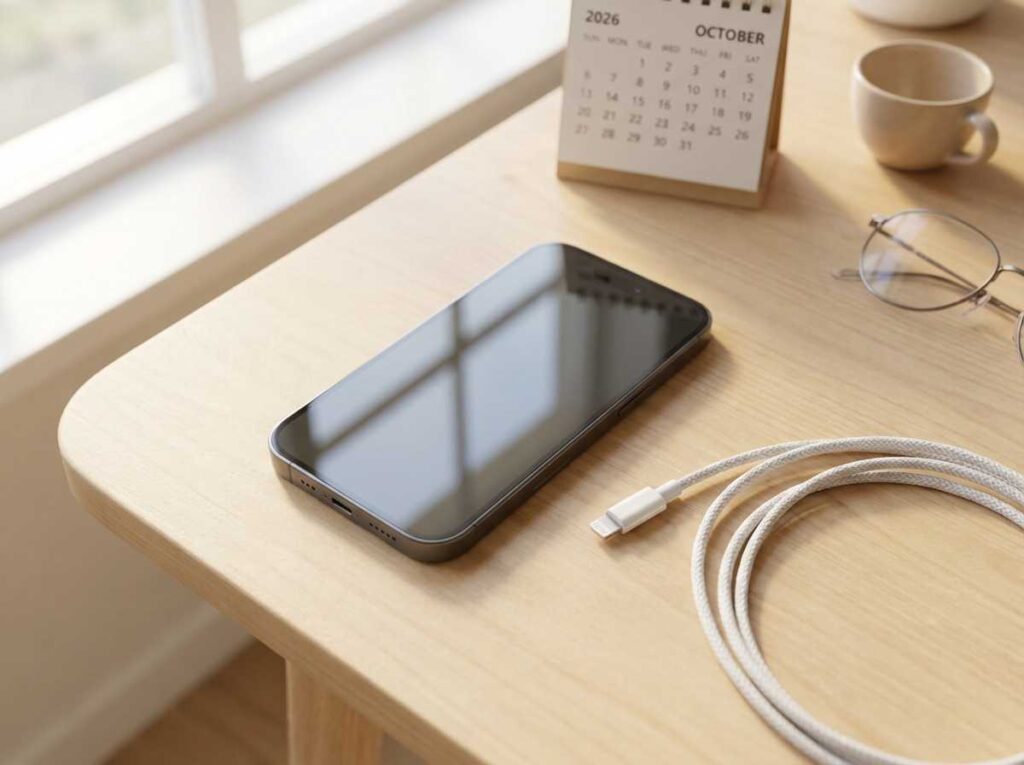
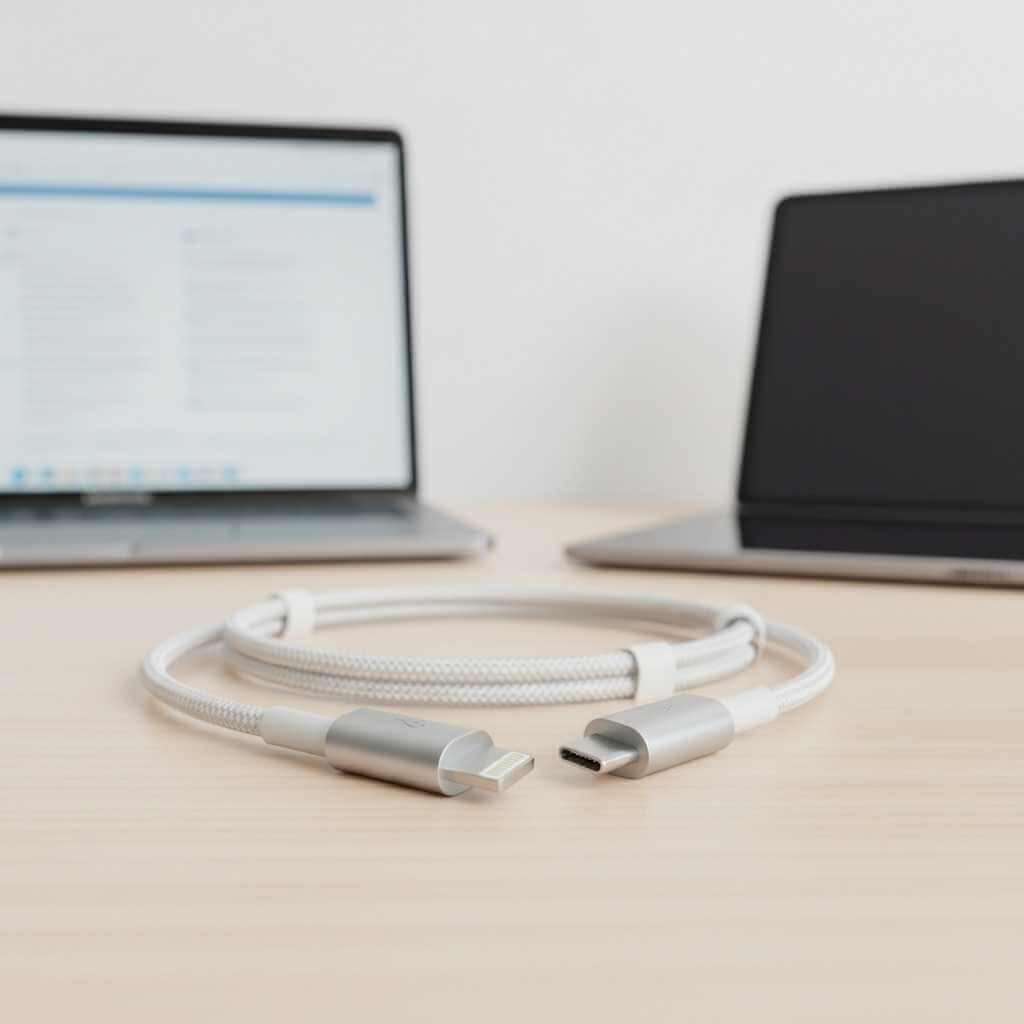
In 2026, Lightning isn’t “broken”—it’s just less convenient as more devices around you shift to USB‑C.
If your household still has Lightning cables everywhere (AirPods cases, older iPads, accessories), sticking with Lightning can actually feel simpler in the short term.
How to buy a refurbished iPhone 14 (2026 checklist)
Buying a refurbished iPhone 14 is mostly about reducing risk: you want the iPhone experience at a lower cost, without inheriting someone else’s battery problems or hidden faults. The iPhone 14 is still a capable daily phone, but in 2026 the condition of a refurbished unit matters more than the raw specs.
1) Pick the right seller (this matters more than the listing)
Choose sellers that clearly state grading (A/B/C), include a warranty, and offer returns—because refurbished quality can vary. If you’re comparing “used” vs “refurbished,” prioritize listings that specify testing and parts replacement policies.
2) Check Battery Health first (the #1 real-world issue)
Battery wear is the most common “why does this phone feel bad?” problem on older iPhones, and it’s a core downside of buying iPhone 14 in 2026. Ask for a screenshot of Battery Health (or buy from a refurbisher that guarantees minimum battery health), and price the phone as “device + possible battery replacement” if the percentage is already low. If you want the official service route/cost reference, use Apple’s battery replacement page as your benchmark.
3) Confirm it’s not locked (Activation Lock + carrier status)
Before paying, verify:
-
Activation Lock is OFF (no iCloud lock).
-
The phone is unlocked (or compatible with your carrier).
-
IMEI/serial checks pass and match the device.
Also consider your next upgrade path: if you’re moving toward eSIM-only devices, check your carrier’s onboarding/transfer process first—this eSIM-only phone readiness guide explains what can go wrong (especially during travel) and how to avoid it.
4) Inspect the “high-wear” hardware areas
Pay extra attention to the Lightning port, buttons, speakers, microphones, and camera lenses—because iPhone 14 still relies on Lightning, and port wear is a real quality-of-life issue.
5) Verify the model/storage you actually need
Confirm storage (128GB vs higher) and cross-check key specs on Apple’s official iPhone 14 tech specs page to avoid “similar model” mix-ups.
The 2026 reality check: what you don’t get
No USB‑C (and that matters more each year)
The iPhone 14 is widely described as the last iPhone generation using Lightning, while later iPhones moved to USB‑C.
Even if you don’t care about data transfer speeds, the “one cable life” is real—USB‑C reduces friction when traveling, borrowing a charger, or sharing cables with tablets and laptops.
Camera hardware stagnation vs newer models
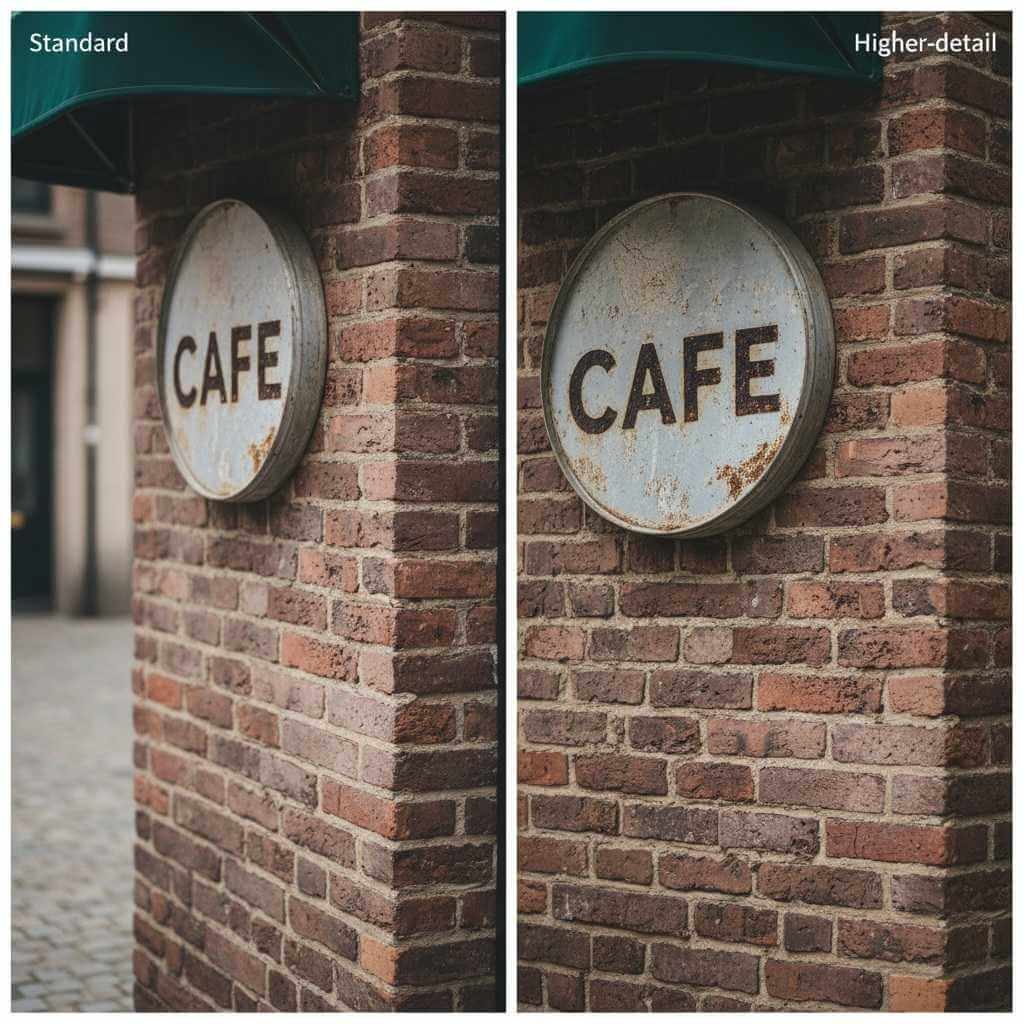
One of the clearest generational gaps is camera hardware progression: iPhone 15 moved to a 48MP Main camera system (with computational tricks that improve detail and zoom crops), while iPhone 14 stays with a dual 12MP-style approach.
If you mostly shoot in good lighting and share to social media, iPhone 14 photos can still look great—but if you love cropping, printing, or want cleaner “2x-ish” shots, the newer sensor strategy is a meaningful upgrade.
Display brightness gap outdoors
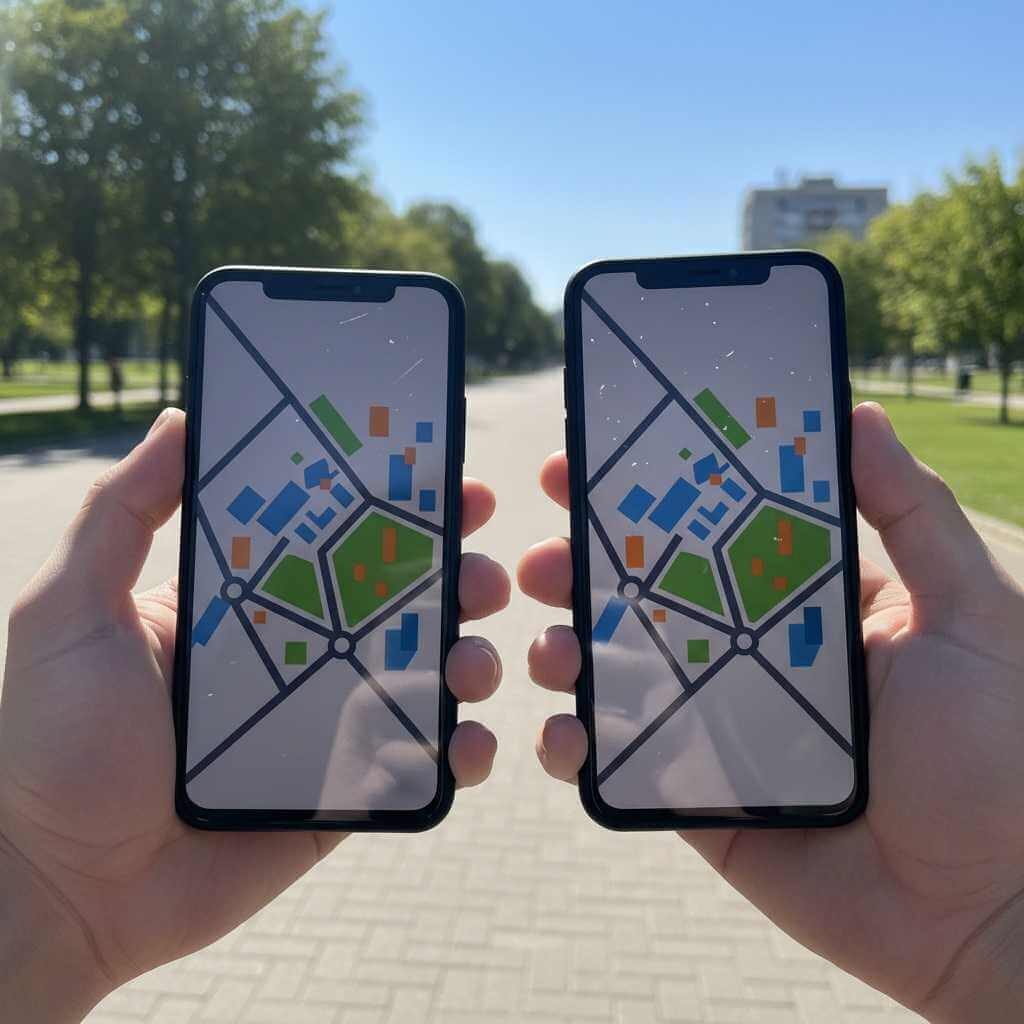
Apple lists iPhone 15 peak outdoor brightness at 2,000 nits, which is a noticeable usability improvement in harsh sun compared with older generations.
If you use your phone outdoors constantly (navigation, hikes, beach, job sites), that brightness upgrade can matter more than benchmarks.
The AI divide (the “strategic obsolescence” issue)
A major 2026 consideration is Apple’s direction: newer iOS experiences increasingly emphasize on-device intelligence features, and device eligibility has been tied to higher hardware requirements (notably memory).
Many compatibility discussions and reporting around Apple Intelligence emphasize newer devices (e.g., iPhone 15 Pro and later) and hardware baselines like 8GB RAM.
My iPhone 14 Pro ownership notes
A long-term daily-driver experience with iPhone 14 Pro highlights something important for iPhone 14 buyers: even when the chip is “fine,” the experience is shaped by comfort, battery aging, and camera behavior over time—not just raw specs.
Reasons the iPhone 14 Pro made sense at purchase time were the “Pro” feel upgrades—especially the higher-end camera versatility and the smoother display experience that makes scrolling and reading feel more premium than standard 60Hz phones.
The drawbacks that show up after extended use are also the same ones that can affect iPhone 14 buyers: weight/comfort trade-offs, and battery health becoming the first “real” maintenance cost (often solved with a battery replacement rather than a whole new phone).
iPhone 14 vs iPhone 15: the upgrades that actually matter
Below is the simplest way to think about it in 2026: you’re not choosing between “good and bad”—you’re choosing between “good value now” and “more future-proof.”
| Category | iPhone 14 | iPhone 15 |
|---|---|---|
| Charging port | Lightning (legacy convenience if you already own cables) | USB‑C (modern convenience) |
| Main camera | ||
| Peak outdoor brightness | Lower than iPhone 15 generation (outdoor readability gap) | Up to 2,000 nits peak outdoor brightness |
| Battery rating (video) | Up to 20 hours video playback | Apple lists display brightness/camera improvements; model choice often driven by camera/USB‑C rather than battery alone |
Battery in 2026: the “hidden cost” buyers forget
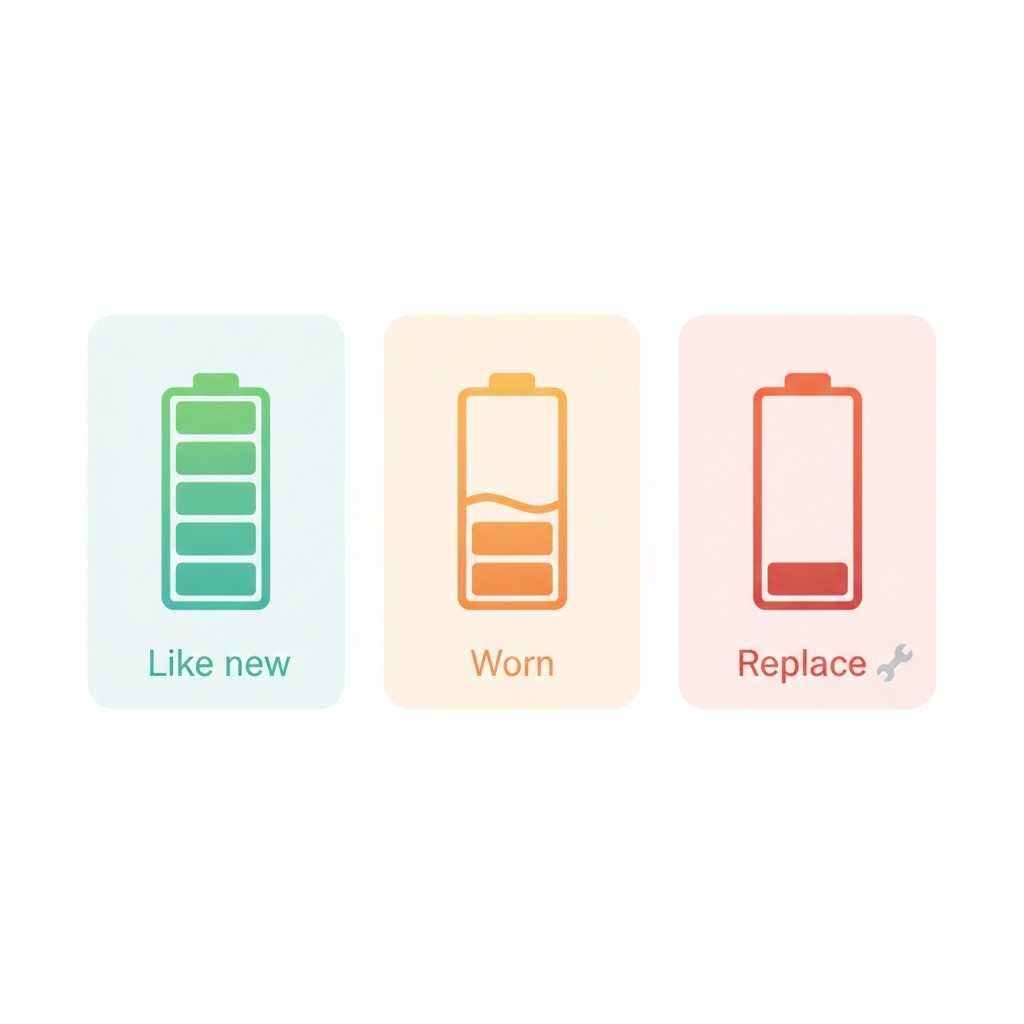
If you buy an iPhone 14 in 2026 (especially used/refurb), battery health is the #1 thing to verify because batteries are consumables.
Apple has stated that iPhone 14 models and earlier are designed to retain 80% capacity at 500 complete charge cycles under ideal conditions, which is a helpful reality check for long-term ownership.
That doesn’t mean the phone is “done” at 80%, but it does mean you should mentally budget for a battery replacement if you plan to keep the device several more years.
Quick buying tip (practical):
-
If Battery Health is already in the mid‑80s% (or lower), treat the price as “phone + future battery service,” not just “phone.”
-
If the seller can document a recent genuine battery replacement, the iPhone 14 value jumps a lot.
Who should buy iPhone 14 in 2026?
It’s a good buy if you want the cheapest “real iPhone”
The iPhone 14 makes sense if you simply want iOS stability, iMessage/FaceTime, solid video, reliable app support, and you’re trying to stay in a tighter budget range.
It’s also a reasonable choice for a secondary device (work phone, travel phone, teen’s first iPhone) because accessories and repair options are plentiful.
The iPhone 14 doesn’t feel “ancient” in 2026—it still sits in that comfortable middle ground where the everyday iPhone stuff (messaging, photos, banking apps, maps, social media) runs smoothly and looks modern.
That’s why a refurbished iPhone 14 is still on the table for a lot of buyers: you’re getting a familiar iOS experience at a lower price, as long as you pay attention to basics like battery health, storage, and overall condition.
It’s not ideal if you keep phones for a long time
If your plan is “buy once, keep forever,” the iPhone 14 is harder to recommend because you’re starting from older hardware and (often) an older battery, while iOS trends keep pushing toward newer on-device features.
In other words: it’ll run the basics well, but it may feel “left out” earlier than you expect as Apple spotlights newer capabilities on newer models.
Best alternatives (depending on budget)
If you can stretch: iPhone 15 is the practical upgrade
The iPhone 15 is the most logical step up for many buyers because it combines USB‑C with a major camera jump to a 48MP Main sensor.
For a lot of people, that single camera upgrade changes everyday outcomes: sharper detail, better cropping, and more flexible shooting without needing a Pro model.
If you want maximum future-proofing: target AI-capable models
If Apple Intelligence-style features (and the next wave after that) matter to you, prioritize models that are explicitly supported—commonly described as iPhone 15 Pro and later in compatibility lists and reports.
That route costs more up front, but it can reduce the chance you feel pressured to upgrade again soon.
If you love cameras but want value: consider a used 14 Pro
A used iPhone 14 Pro can be a “best of both worlds” purchase in 2026 if the battery is healthy: you get a more premium feel and more camera flexibility than iPhone 14, often for a smaller price gap than jumping to a much newer generation.
Just treat battery health as non-negotiable, because a Pro model with a worn battery can feel worse day-to-day than a standard model with a fresh battery.
2026 buying checklist (avoid regrets)
-
Check Battery Health in Settings and ask for a screenshot (or buy from a refurbisher that guarantees minimum battery health).
-
Confirm storage (128GB is fine for many; heavy photo/video users should consider more).
-
Inspect port/cable situation: if your world is already USB‑C, factor the Lightning friction into your decision.
-
Choose sellers with return policies, especially for refurbished units (battery and display quality vary most).
FAQ: iPhone 14 in 2026
Q1: Is the iPhone 14 worth buying in 2026?
Yes—iPhone 14 worth buying in 2026 can be a good call if the price is low enough and your usage is mostly everyday stuff (calls, messaging, social, streaming, photos).
It’s a weaker choice if you want the most future-proof iPhone experience, because newer generations bring meaningful upgrades (especially around modern features and long-term “headroom”).
Q2: What kind of user is the iPhone 14 best for in 2026?
It’s best for budget-focused buyers who want a smooth iOS experience and don’t need the newest headline features.
It also fits well as a “reliable iPhone” for teens, a second phone, or anyone planning to upgrade again within 2–3 years.
Q3: Should I buy a refurbished iPhone 14 or a new one?
In 2026, many buyers look at refurbished because it can offer better value—just make sure the seller provides clear condition grading and a return policy.
The most important practical difference is often battery condition, so refurbished can be great if battery health is strong (or the battery was replaced properly).
Q4: What Battery Health percentage should I look for?
For a used/refurb device, Battery Health is the first thing to check, because it affects daily comfort more than specs on paper.
Apple’s battery guidance and cycle-life context are helpful benchmarks when deciding whether you should budget for a battery replacement soon.
Q5: How long will the iPhone 14 still get iOS updates?
Your draft positions iPhone 14 as remaining viable in 2026 with years of software usefulness left, which is part of why it stays on buyers’ shortlists.
Even so, the “worth it” question still depends on feature support, not just whether updates arrive.
Q6: Does iPhone 14 support Apple Intelligence (AI features)?
The article notes that Apple Intelligence-style features are a key dividing line and that iPhone 14 models are excluded in that framing.
If AI features are important, prioritize models explicitly listed as supported in Apple Intelligence compatibility coverage.
Q7: Is Lightning a deal-breaker in 2026?
Not automatically—Lightning still works fine, and it can even be convenient if your household already has Lightning accessories and cables.
But the shift to USB‑C on newer iPhones makes Lightning feel increasingly “legacy,” especially if the rest of your devices are already USB‑C.
Q8: How big is the camera difference vs iPhone 15?
Your article highlights the iPhone 15’s jump to a 48MP main camera as one of the most meaningful real-world upgrades over iPhone 14.
If you care about detail, cropping, or getting better results with casual zoom, iPhone 15 and later become much more compelling.
Q9: Is the iPhone 14 screen “too dim” compared to newer iPhones?
For most indoor use it’s fine, but your post flags brightness as a real generational gap that shows up outdoors.
Apple’s iPhone 15 specs list up to 2,000 nits peak outdoor brightness, which is a practical advantage in sunlight.
Q10: What should I check before buying a used/refurb iPhone 14?
Buying logic: verify Battery Health, storage, overall condition, and return policy—then judge the price as “phone + possible battery replacement,” not just “phone.”
If you want an official reference point for battery service, Apple’s battery replacement page is the most authoritative place to link.
Q11: When should I skip iPhone 14 and upgrade to iPhone 15 or 16 instead?
Skip iPhone 14 if the price gap is small and you’ll keep your phone for years, because newer models add genuinely useful upgrades (USB‑C, camera improvements, and better long-term positioning).
Your draft also recommends stepping up if AI-driven features matter to you, since that’s where the platform direction is heading.
Conclusion: Is iPhone 14 Worth Buying in 2026?
If the iPhone 14 is priced aggressively and the battery condition checks out, it’s still a dependable, smooth iPhone in 2026—especially for everyday users who don’t chase the newest features.
But if you’re spending “almost iPhone 15 money,” or you plan to keep your next phone for many years, stepping up to a USB‑C model with a more modern camera system (and better forward compatibility) is usually the smarter long-term move.