AI video generation has evolved from early experiments into a practical tool for everyday content creation. Instead of spending hours recording and editing footage, users can now turn an idea, image, or template into a short video.
But with so many AI video generators on the market, which one is right for you? If you’re not sure where to start, here are eight important things to consider before creating your first AI masterpiece.
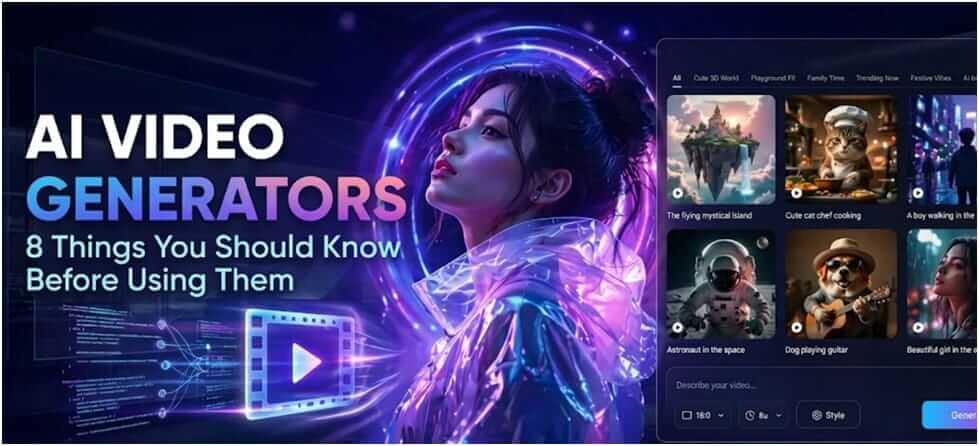
Table of Contents
1. How Easy Is It to Create a Video?
For beginners, ease of use can be more important than having dozens of advanced controls. A straightforward workflow makes it easier to experiment without first learning professional video editing.
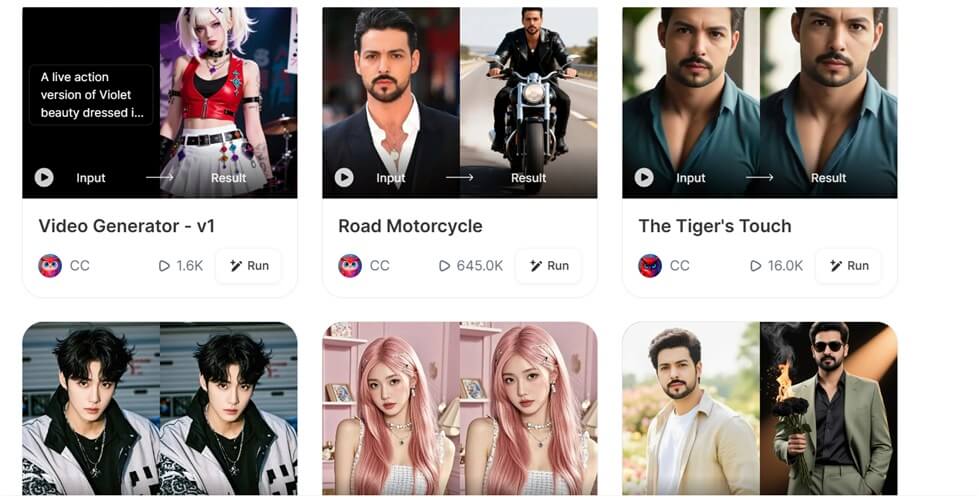
Template-based AI video tools can be especially useful here. Vimi, for example, offers a wide selection of ready-made AI video templates and effects, allowing beginners to start creating without having to build every video from scratch.
A simple workflow should ideally let you:
- Choose a template or effect
- Upload an image or other input
- Generate the video
- Preview and save the result
2. What Can an AI Video Generator Actually Create?
Not every AI video generator offers the same capabilities. Some focus on text-to-video, while others specialize in image animation, creative effects, or short-form social content.
Before choosing a tool, think about the type of videos you actually want to make. A platform with features that match your needs will usually be more useful than one with an impressive but irrelevant feature list.
| Use case | What AI can help create |
| Social media | Short clips and visual effects |
| Photos | Animated images and transformations |
| Marketing | Promotional visuals and product content |
| Creative projects | Stylized scenes and experimental videos |
3. How Good Are the Generated Videos?
Quality remains one of the most important factors. A video may look impressive in a demonstration but produce different results with different images, subjects, or effects.
Pay attention to movement, facial consistency, details, resolution, and unwanted visual artifacts. Trying several examples is often more useful than judging a platform from a single showcase video.
It is also worth remembering that AI generation can still require some experimentation. Choosing a suitable source image and effect can have a significant impact on the final result.
4. How Much Can You Customize the Result?
Templates make video creation faster, but users may still want some control over the final result. The right balance depends on whether you prioritize convenience or creative freedom.
Look for options that allow you to work with your own images, choose different visual effects, and personalize the output without turning the process into a complicated editing workflow.
For many casual creators, ready-made templates combined with basic customization can provide a useful middle ground between complete automation and traditional video editing.
5. How Much Does AI Video Generation Cost?
Pricing can become important when you need multiple generations. Many platforms use free trials, credits, subscriptions, or different pricing tiers.
Before signing up, check what each plan actually includes rather than looking only at the advertised monthly price.
Consider these factors:
- Number of generations or credits
- Video resolution
- Watermarks
- Export options
- Subscription limits
- Commercial usage
A tool that costs slightly more but saves significant time may offer better value for frequent users.
6. What Happens to the Photos and Videos You Upload?
Privacy is easy to overlook when uploading personal images to an AI platform. Before using a service, check its privacy policy to understand how uploaded files are processed, stored, and handled.
Avoid uploading confidential documents, sensitive personal information, or images of other people without appropriate permission. This is especially important when AI tools are used for business or professional projects.
Users should ideally check:
- How long uploaded content is retained
- Whether content is used for AI training
- Who can access uploaded files
- How content can be deleted
- Whether third-party services are involved
7. Who Owns an AI-Generated Video?
Ownership can be more complicated than simply asking who clicked the “Generate” button. The rights associated with the AI output may depend on the platform’s terms, the source material, and applicable copyright laws.
If you plan to use a video commercially, check the service’s terms before publishing it. You should also make sure that your source images, music, characters, and other materials can legally be used.
| Before publishing | What to check |
| Source images | Do you have permission to use them? |
| Music | Is commercial use allowed? |
| AI output | What rights does the platform provide? |
| Third-party content | Could it infringe copyright or trademarks? |
| Commercial projects | Does the plan permit commercial use? |
8. Is the Tool Right for Your Use Case?
The best AI video generator is not necessarily the one with the most features. Different users have different priorities, so the right choice depends on what you actually want to create.
| User | What matters most |
| Beginners | Simple workflow and ready-made templates |
| Social creators | Effects, variety, and fast creation |
| Marketers | Commercial rights, consistency, and efficiency |
| Professional creators | Quality, control, and customization |
| Casual users | Ease of use and creative options |
Before choosing a platform, consider your budget, content type, technical experience, and how often you expect to create videos. Testing a tool before committing to a subscription can also help you make a more informed decision.
AI Video Generators: Conclusion
AI video generators can make video creation much more accessible, but choosing the right one involves more than comparing features. Ease of use, creative options, output quality, pricing, privacy, and usage rights all deserve attention.
For beginners in particular, a simple workflow and a wide range of ready-made templates can make it easier to explore AI video creation without a steep learning curve. The best tool is ultimately the one that fits your needs and makes the entire process easier.