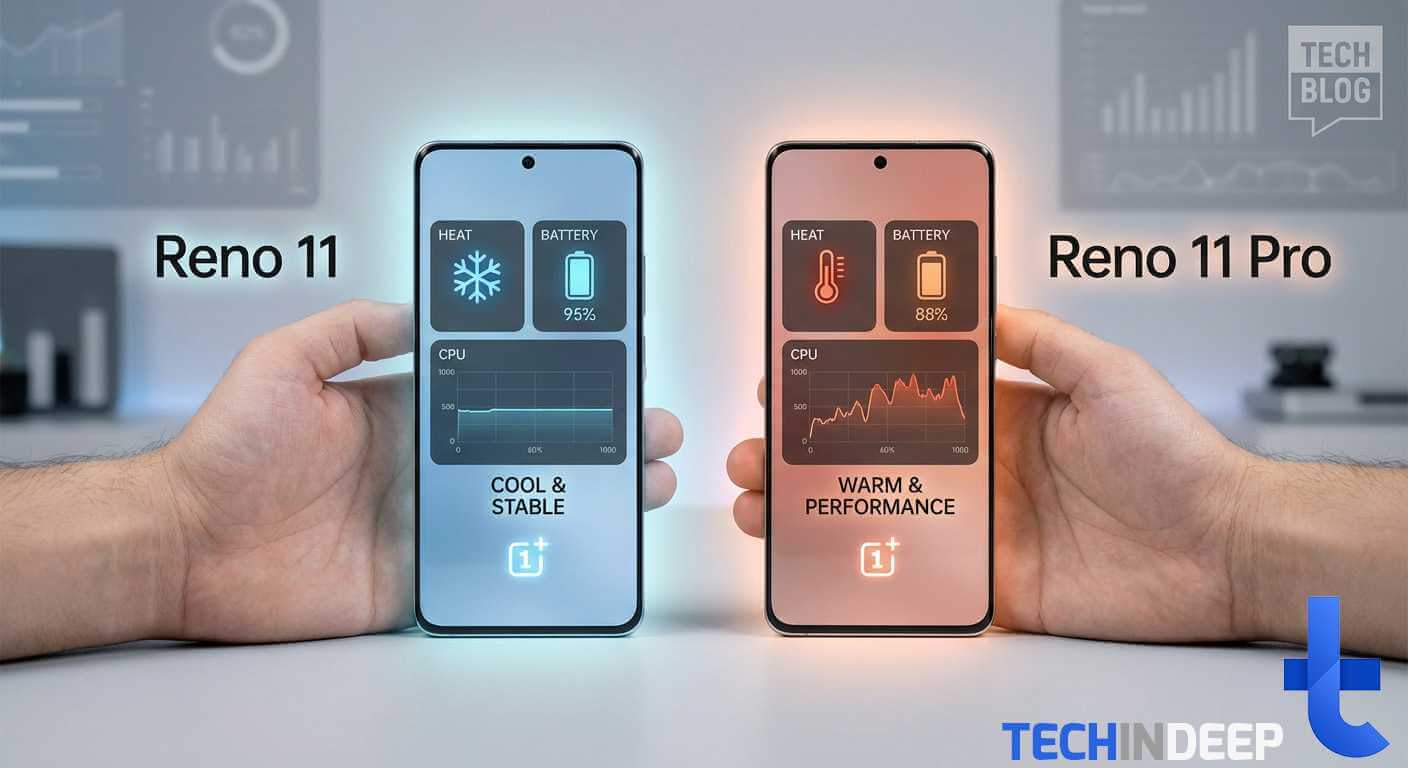
TL;DR Why Reno 11 is better than Reno 11 Pro: it delivers a more balanced experience with fewer real-world compromises Reno 11 offers longer battery life thanks to a larger 5000 mAh battery and more efficient chipset Reno 11 Pro is faster on paper, but heating and throttling reduce its advantage during extended use Reno […]
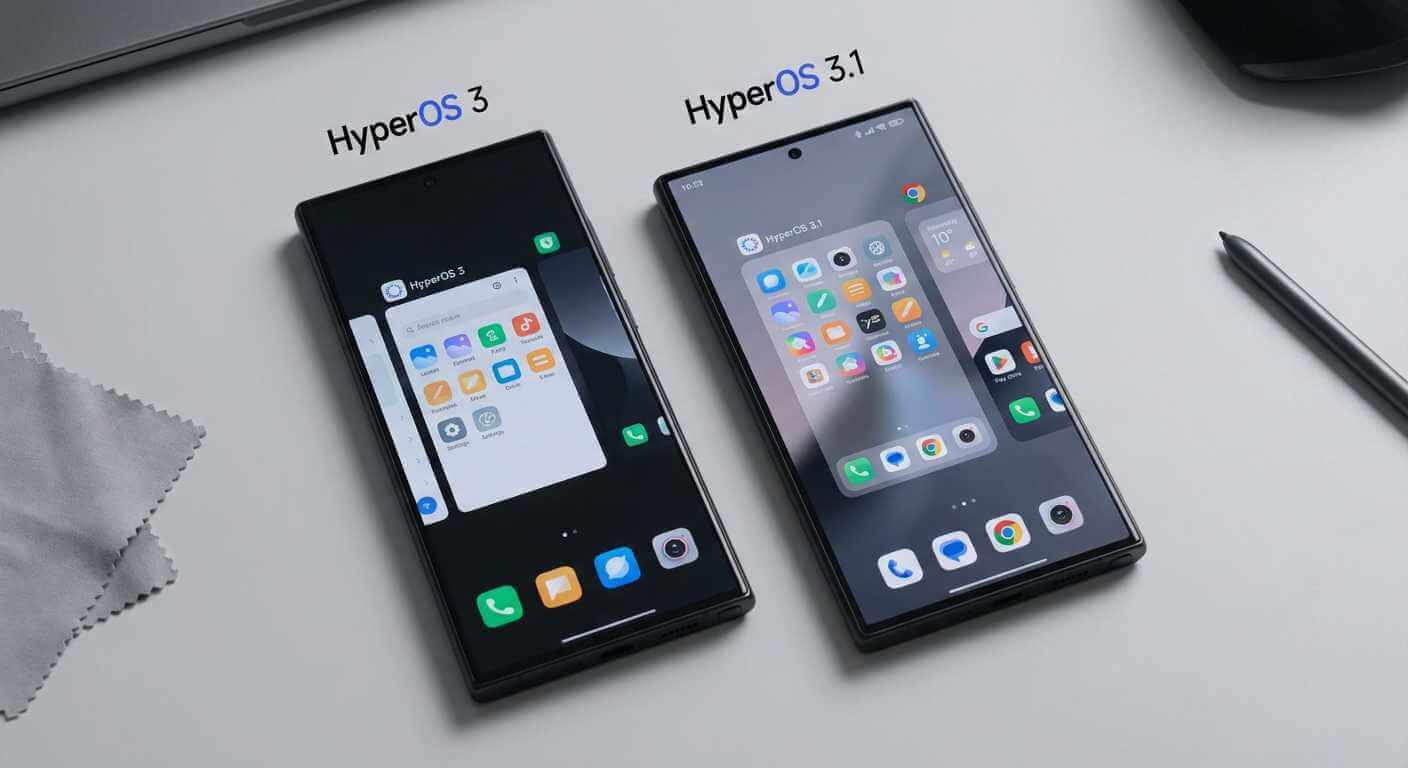
TL;DR: HyperOS 3 vs HyperOS 3.1 ⚡ Super OTA updates — up to 2x faster installs with minimal or no reboots 🎯 Smoother performance — faster app launches and improved multitasking 🔋 Better battery life — lower idle drain and up to +1 hour screen time 📱 Super Island upgrades — live notifications with growing […]
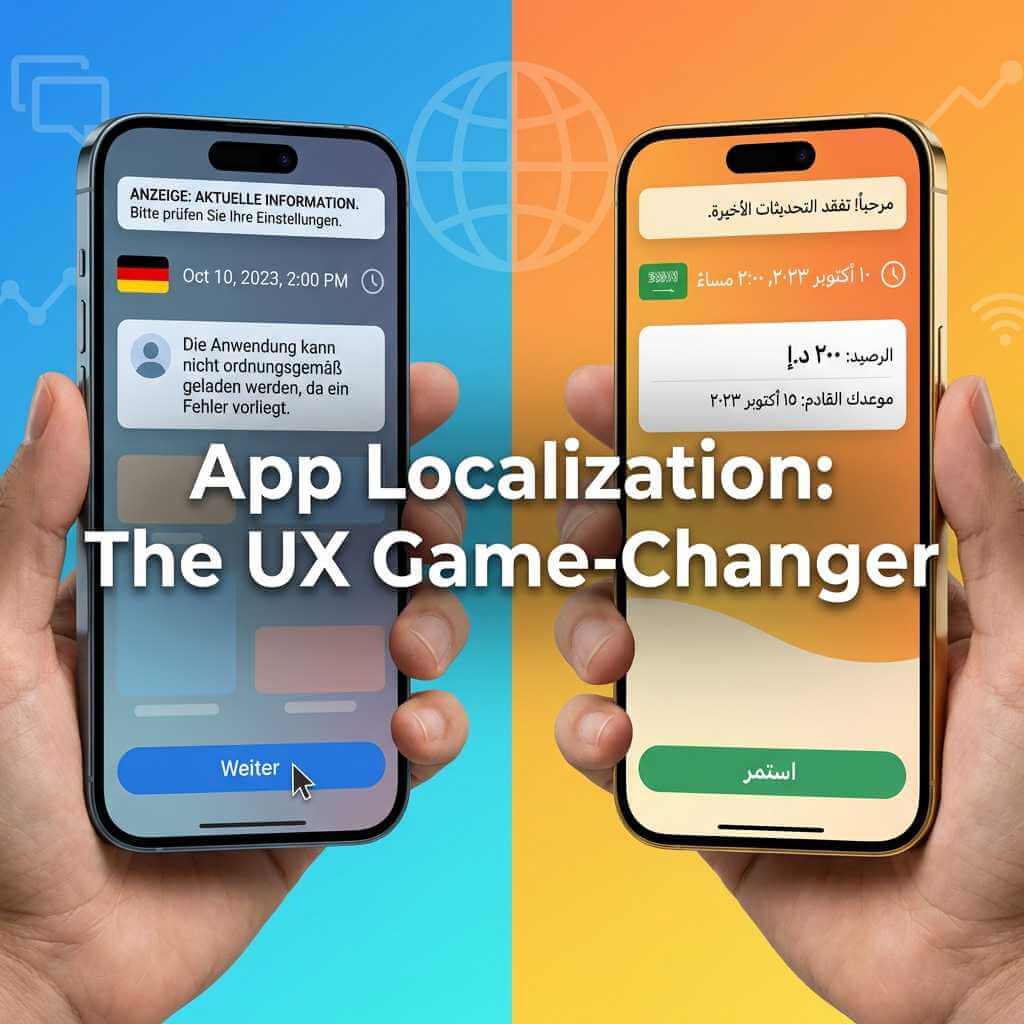
TL;DR A translated app and a properly localized app are two very different things — and users feel that gap every time they open it Poor app localization shows up in stiff push notifications, overflowing buttons, and mismatched tone — not just wrong words Spotify and TikTok lead the pack; many banking apps and older […]
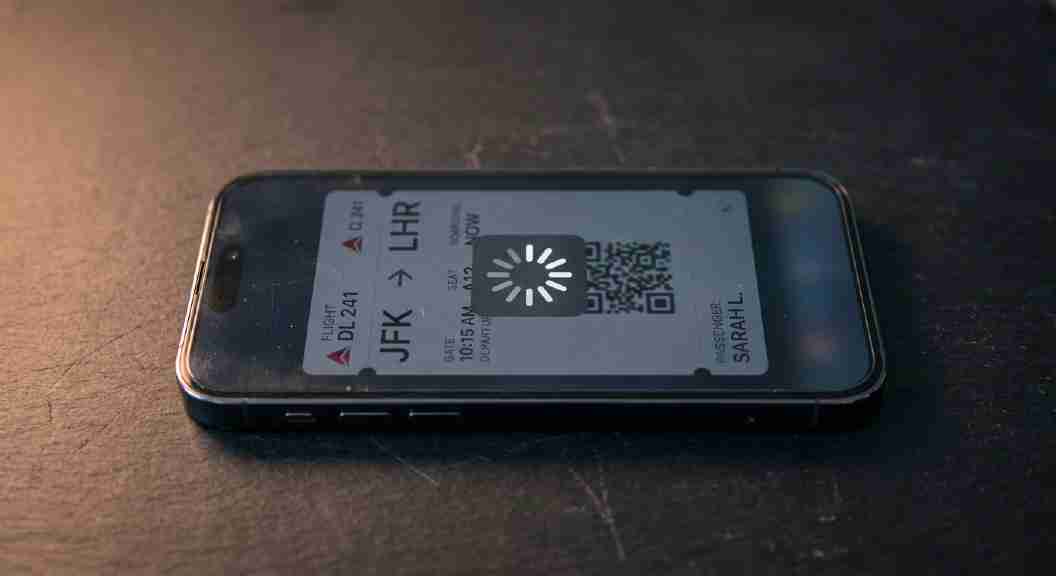
TL;DR Most apps skip thorough smartphone testing before launch — crashes, freezes, and lost data are the result A properly tested app handles weak Wi-Fi, background interruptions, and device-specific quirks without breaking Even Samsung and Apple ship apps with real regressions — silent alarms, disappearing boarding passes, room keys that die offline Before downloading, check […]
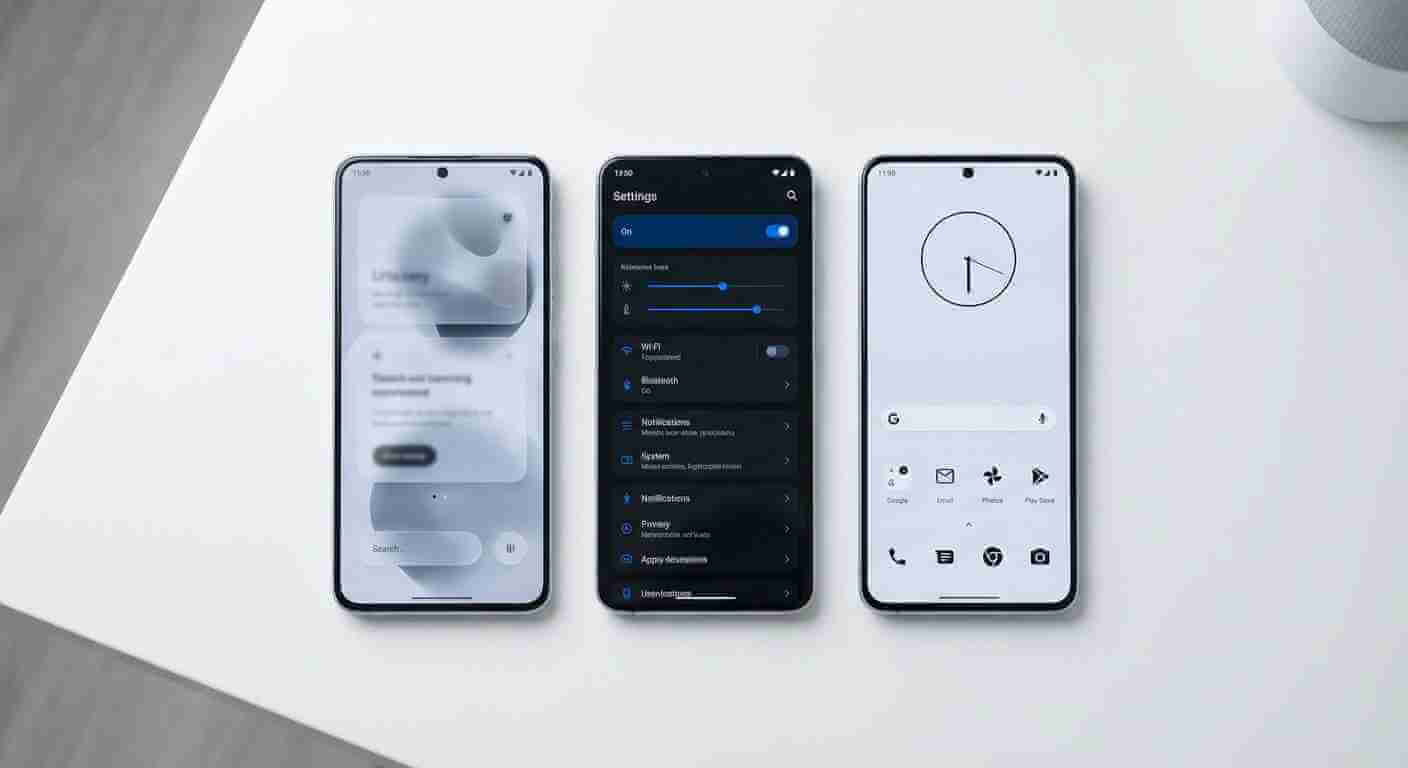
TL;DR — Smartphone UI Design Trends for 2026 Apple iOS 26 introduced Liquid Glass — a translucent, frosted material applied across the entire interface, marking the biggest visual redesign since iOS 7 in 2013 Liquid Glass looks stunning in demos but has drawn real criticism for poor contrast, legibility issues in bright light, and no […]
TL;DR: Tips to Maximize AI Camera Features on Android Smartphones Prep: Update OS/apps, clean lens, enable Scene Optimizer/Camera Coach for 20-30% better AI accuracy