
Table of Contents
TL;DR
AI automation tools help you connect apps and offload repetitive work; the “best” choice depends on whether you want simplicity, flexibility, or enterprise controls.
- Choose Make if you want the most powerful visual builder for complex workflows with strong scalability.
- Choose Zapier if you want the fastest setup and the widest app-integration ecosystem for simple automations.
- Choose n8n if you want open-source, self-hosting, and deep customization (best for technical users).
- Choose Pabbly Connect if you want predictable, budget-friendly automation for small businesses running lots of workflows.
- Choose Microsoft Power Automate if your team lives in Microsoft 365 and needs secure, enterprise-ready automation (including RPA).
- Choose Bardeen if you want browser-based automation for research, data entry, and productivity tasks.
- Choose Tray.io if you need low-code automation with heavier data transformation for growing ops teams.
- Choose Workato if you’re an enterprise needing governance and large-scale integrations across many systems.
AI Automation Tools Introduction
In 2026, AI automation is no longer just a trend. It has become the invisible engine driving how businesses operate. Whether you’re a startup founder saving time, a marketing team automating workflows, or an enterprise scaling hundreds of processes, the right AI automation platform can completely change how you work.
But with so many platforms promising to do it all, it can be hard to tell which ones actually deliver. Some are designed for developers, others for non-technical teams. Some focus on speed, while others are built for security and scale.
We tested and compared the leading AI automation tools transforming how businesses work in 2025. These platforms stand out for their usability, reliability, and real-world results.
The best AI automation tools at a glance
- Make for visual-first, intelligent automation for teams that need flexibility and scale
- Zapier for fast, beginner-friendly automation with 8,000+ app integrations
- n8n for open-source, developer-friendly automation with deep customization
- Pabbly Connect for affordable, unlimited workflows for small businesses
- Microsoft Power Automate for enterprise-ready automation for Microsoft 365 teams
- Bardeen.ai for browser-based AI automation for research and productivity
- Tray.io for low-code, data-rich automations for mid-market operations teams
- Workato for enterprise-grade automation and integration for complex systems
1. Make
Best for: Innovative teams that want to design, launch, and scale intelligent automations visually.
Make pros:
- Powerful, visual drag-and-drop builder
- Reusable AI Agents that adapt and learn over time
- 3,000+ native integrations and custom API access
- Real-time visibility of your entire automation landscape with Make Grid
Make cons:
- Slight learning curve with complex scenarios
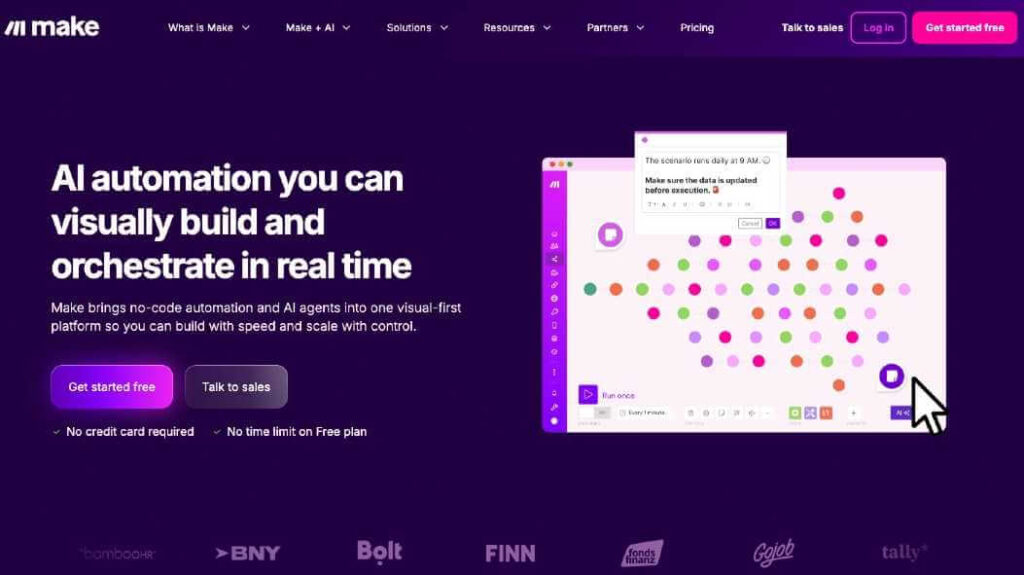
Make is where automation meets intelligence. It lets you design, automate, and optimize workflows through a visual interface that makes even the most complex processes easy to understand. You can connect over 3,000 apps, build advanced logic, and track data movement in real time, all without writing a single line of code.
At the heart of Make is its visual Scenario Builder, a canvas where you can drag, drop, and connect modules to automate any process. You can watch data flow between tools, add branches for different conditions, and see exactly how each step interacts. It’s fast, intuitive, and gives you complete control over how your automations work.
Make AI Agents take things a step further by making workflows smarter. They can analyze data, respond to changing conditions, and make contextual decisions. For example, you can build a workflow where an AI Agent monitors customer support tickets, prioritizes urgent issues, and sends updates directly to your team chat, saving hours of manual triage.
With Make Grid, you can see your entire automation landscape in one place. It maps every workflow and connection, helping you understand dependencies, measure performance, and keep everything running smoothly.
Make’s flexibility and scalability make it ideal for teams that want to grow with automation. Whether you’re a small business streamlining operations or an enterprise building intelligent systems, Make helps you move faster and smarter.
Make pricing: Free plan available; paid plans from $9/month (billed annually).
2. Pabbly Connect
Best for: Small businesses and solopreneurs who need affordable, easy-to-use automation
Pabbly Connect pros:
- Budget-friendly pricing
- Intuitive, drag-and-drop interface
- Fast setup with no coding required
- Growing library of app integrations
Pabbly Connect cons:
- Smaller app ecosystem than Make or Zapier
- Higher-tier plans are often required for heavier automation needs
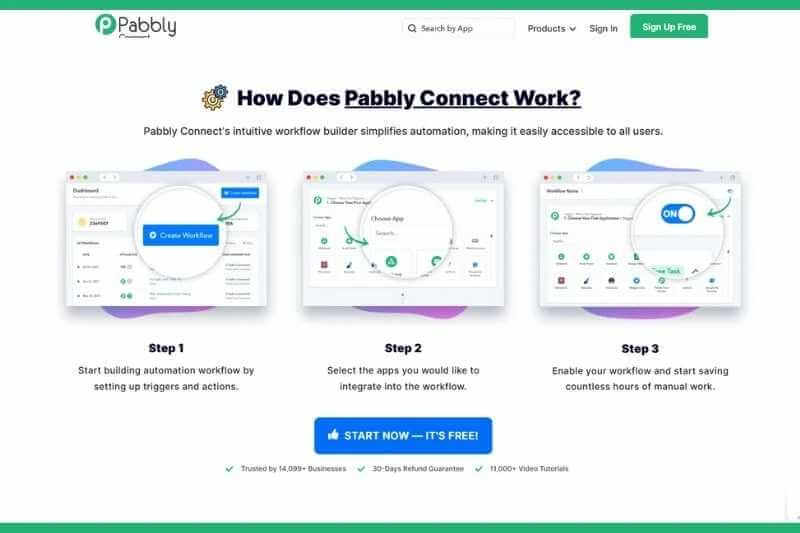
Pabbly Connect is built for smaller teams that want automation power without the unpredictable cost model used by many competitors. Instead of billing per task or operation, Pabbly prices its plans around workflow limits, and many tiers include high or uncapped workflow capacity, making budgeting far simpler for users who run frequent automations.
This pricing approach is one of Pabbly’s biggest advantages, especially for freelancers, solopreneurs, and small businesses that trigger a large volume of routine processes each month.
Pabbly’s interface is straightforward and designed for speed. You can quickly connect apps, pass data, and trigger actions without touching code. The platform supports a wide range of common workflow needs: CRM updates, form submissions, email sequences, spreadsheet management, and e-commerce automations.
While Pabbly can’t match Make’s deep visual logic or Zapier’s massive integration catalog, it strikes a practical balance of simplicity, affordability, and predictability. For small businesses that want to automate confidently without runaway usage fees, Pabbly Connect is a strong and cost-efficient choice.
Pabbly Connect pricing: Free plan available; paid plans from $14/month.
3. Microsoft Power Automate
Best for: Teams already in the Microsoft 365 ecosystem
Power Automate pros:
- Seamless integration with Microsoft apps
- Built-in AI Copilot for flow creation
- Secure and enterprise-ready
- Supports RPA (robotic process automation)
Power Automate cons:
- The interface can be complex for beginners
- Microsoft-centric environment makes it less ideal for teams using varied SaaS tools outside the ecosystem.
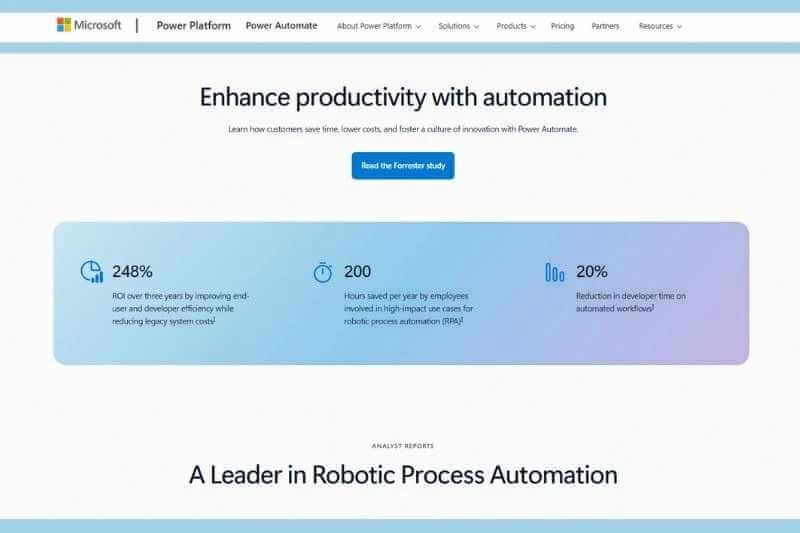
Microsoft Power Automate bridges traditional workflows with modern AI-powered automation. Integrated directly with Office 365, Teams, and Dynamics, it lets businesses automate approvals, reporting, and task handoffs within their existing Microsoft stack.
With Copilot AI, you can describe a process in natural language, and Power Automate will build the workflow for you. It also supports robotic process automation (RPA), making it useful for repetitive, rule-based tasks that cross multiple systems.
If your company already runs on Microsoft, Power Automate is a natural, secure fit.
Power Automate pricing: From $15/user/month.
4. Bardeen.ai
Best for: Browser-based AI automation and personal productivity

Bardeen pros:
- Runs directly in the browser
- AI automates tasks like research, data entry, and content creation
- Great for marketers, recruiters, and founders
- Templates for hundreds of use cases
Bardeen cons:
- Limited to browser-based workflows
- Limited collaboration features for teams compared to Make or Zapier.
Bardeen is one of the most exciting automation tools in 2025 because it brings AI automation directly into your browser. Instead of building large, backend workflows, Bardeen focuses on automating the tasks knowledge workers do every day—copying data, researching, summarizing content, and updating systems—right from Chrome.
What makes Bardeen stand out is its natural-language AI engine. You can describe a task like “scrape the latest job postings and add them to my Airtable” or “summarize this article for my content outline,” and the AI instantly creates and runs the automation. It combines on-page context, browser actions, and AI reasoning to execute tasks that would normally take minutes or hours.
Because everything runs locally in the browser, Bardeen avoids heavy setup or integrations. It’s ideal for individuals and small teams who want automation that feels instant, lightweight, and AI-first.
Bardeen.ai pricing: Free plan; paid plans from $10/month.
5. Tray
Best for: Mid-market teams that need low-code, data-rich automations
Tray.ai pros:
- Powerful data transformation tools
- AI assistance for workflow design
- Connects SaaS, databases, and APIs
- Visual builder for business and technical users
Tray.ai cons:
- Can be pricey for small teams
- UI can feel overwhelming for non-technical users.
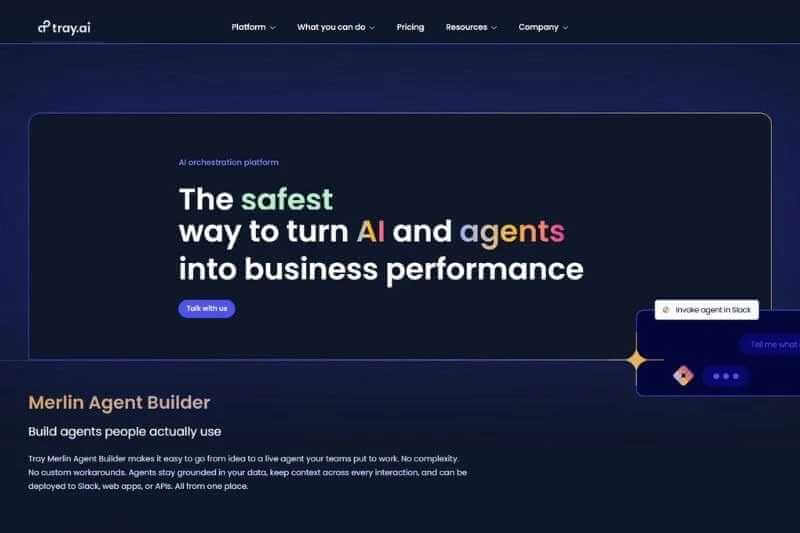
Tray bridges the gap between small businesses and enterprise automation. It’s a low-code platform that lets both business users and developers design complex, data-driven workflows with AI assistance.
Tray’s AI Builder helps accelerate workflow creation. You can describe what you want in plain English, and the AI will generate a draft workflow, suggest field mappings, or propose logic branches. It makes complex integrations more accessible while still allowing technical users to dive into granular configuration when needed.
A typical use case might involve automatically syncing product usage data from a database to a CRM, updating lead scoring models, and triggering personalized onboarding messaging—all within a single automated workflow.
Tray.ai sits comfortably in the “serious automation without full enterprise overhead” space. It offers the power and flexibility needed for scaling companies without requiring the heavy infrastructure that tools like Workato demand.
Tray.io pricing: Custom pricing available.
6. Zapier
Best for: Businesses that want to connect their favorite apps and automate simple workflows quickly
Zapier pros:
- 8,000+ app integrations
- Easy to set up and manage
- Helpful built-in templates for quick automation
- Good balance of power and simplicity
Zapier cons:
- Limited flexibility for complex workflows
- Costs can rise quickly due to Zapier’s task-based pricing model.
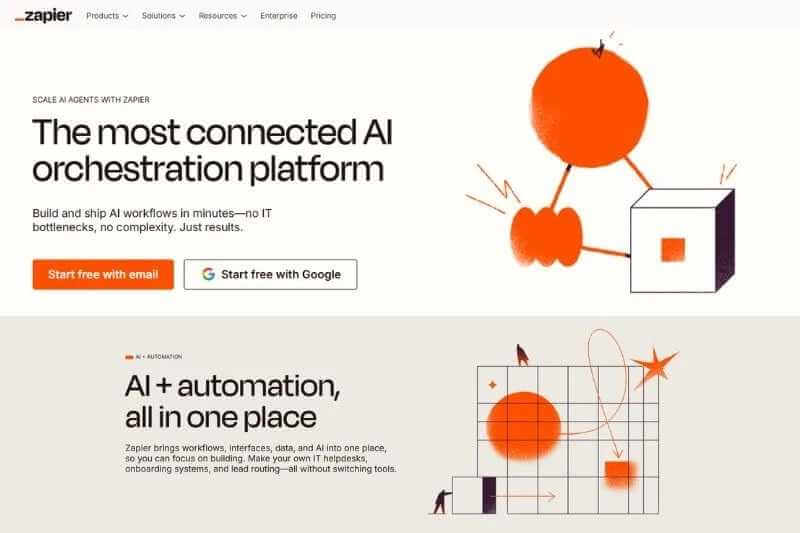
Zapier is a broadly recognized name in workflow automation. It’s designed to help teams connect their favorite tools and automate repetitive tasks without writing code. Whether you’re managing leads, sending follow-ups, or syncing data across platforms, Zapier gives you a simple, reliable way to make apps work together.
Zapier has become harder to use over the years as new features like Tables and Interfaces seem to rarely work as expected but remains a well known brand name in the automation space. And while Zapier doesn’t offer the same visual design or advanced branching that Make does, its simplicity remains a selling point. It’s ideal for small teams, solopreneurs, or anyone who wants fast results with minimal setup.
Zapier pricing: Free plan available; paid plans from $19.99/month (billed annually).
7. n8n
Best for: Developers and technical teams who want full control and flexibility over their automations
n8n pros:
- Open-source and self-hostable
- Highly customizable with JavaScript functions
- Strong community and plugin ecosystem
- Flexible branching and logic design
n8n cons:
- Requires more technical knowledge to use effectively
- Smaller ecosystem of polished, native integrations compared to Make or Zapier.
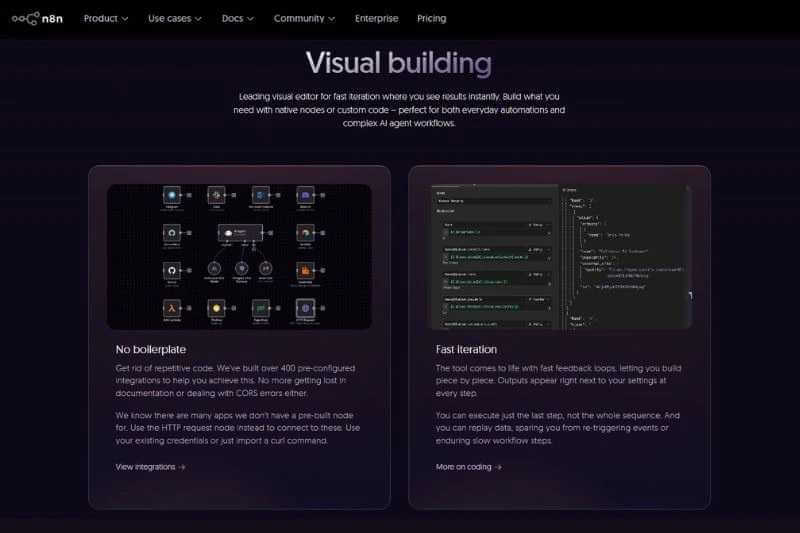
n8n (short for “nodemation”) is an open-source automation platform built for technical users who want complete control over how their workflows run. It’s highly customizable and offers a developer-friendly environment for building complex automations with code-level precision.
While tools like Make and Zapier focus on visual simplicity, n8n gives users deeper flexibility. You can host it on your own server and add custom JavaScript functions to manipulate data at every step. This makes it ideal for skilled developers who want to automate complex or highly specific processes.
If you’re comfortable with coding and want the flexibility to build anything from the ground up, n8n is one of the most powerful options available. Important: The self-hosted n8n plans have high maintenance requirements that require technical know-how and associated costs not included in the initial price tag.
n8n pricing: Free for self-hosting; paid cloud plans from $20/month.
8. Workato
Best for: Enterprises that need large-scale workflow automation with deep system integrations
Workato pros:
- Enterprise-grade automation capabilities
- Powerful data integration and governance
- Advanced API and database connectivity
- Strong support and onboarding services
Workato cons:
- Setup, deployment, and governance often require dedicated IT involvement.
- One of the most expensive automation options on the market.
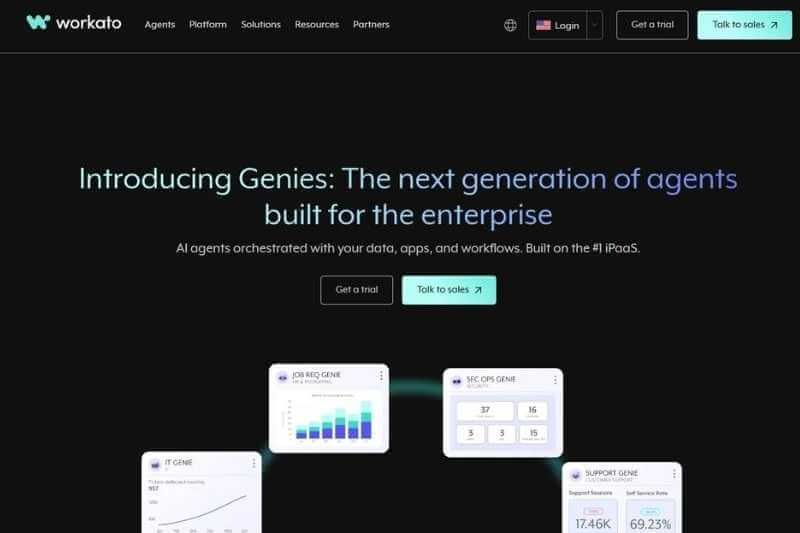
Workato is built for large organizations that want to automate across departments and systems at scale. It’s a robust enterprise automation platform that combines deep integration capabilities with secure data governance, making it a strong choice for IT and operations teams managing complex workflows.
Unlike no-code platforms designed for individual users or small teams, Workato focuses on enterprise-grade orchestration. It connects critical systems like ERP, CRM, data warehouses, and SaaS tools through a blend of pre-built connectors and custom scripting. That makes it ideal for businesses handling thousands of processes per day across multiple teams.
Workato’s automation builder supports both no-code and low-code functionality. You can drag and drop steps like in Make, but you can also extend workflows with custom logic using Python or Ruby. For instance, a data operations team might use Workato to trigger real-time data updates from Salesforce to Snowflake while also running data quality checks along the way.
The platform also includes AI-driven automation features for smarter workflow optimization. Workato’s “AI@Work” system can identify process bottlenecks, suggest automations, and help create integrations based on natural-language prompts. Combined with its governance tools, this makes it one of the most secure and scalable automation options for global enterprises.
That said, Workato’s depth comes with complexity. It requires time, technical knowledge, and cross-team coordination to fully leverage. But for organizations that can invest in setup and training, the payoff is powerful, centralized automation that runs across every department.
Workato pricing: Custom enterprise pricing available upon request.
9. MagicHour AI
Best for: Teams and marketers who want to automate and scale video content creation

MagicHour AI pros:
- Over 100 AI-powered tools for video and image generation, including text-to-video, image-to-video, face swap, lip sync, and talking photos
- Rapid creation of professional-quality videos without complex software
- Templates and one-click workflows for scaling campaigns efficiently
- AI-powered localization for global marketing, including lip sync and voice options
- Browser-based platform with fast parallel rendering, reducing production time
MagicHour AI cons:
- High-volume usage may require a paid plan
- Advanced customization may take time to explore all AI tools
MagicHour is an all-in-one AI video platform that streamlines video marketing by automating repetitive content creation tasks. Marketers can generate, edit, and localize videos quickly, test ad variations at scale, and consolidate multiple creative workflows into a single browser-based interface. By simplifying video production, it helps teams focus on strategy and creative impact rather than manual work.
MagicHour AI pricing: Free daily credits available; paid plans start at $10/month.
Which AI automation tool should you choose?
If you’re a small team, mid-size, or scaling business it’s hard to look beyond Make. Make’s approachable pricing and extremely powerful platform offer the perfect balance of visual flexibility, AI intelligence, and scalability.
If you’re a developer or data-driven team, n8n and Tray.io give you deep control but often come with high price tags.
No matter where you start, automation isn’t just about saving time — it’s about building smarter systems that think, adapt, and scale with you.