Table of Contents
TL;DR
The article argues that the “most-used” AI in smartphones isn’t flashy generative stuff—it’s the everyday AI you rely on constantly: camera processing, smart typing, and call/spam protection.
- #1 AI camera (computational photography): Features like Night Mode and HDR use AI to stack frames, reduce noise, and improve dynamic range, so your photos look better with almost no effort.
- #2 AI typing (predictive text + autocorrect): Keyboard AI saves time and reduces friction by suggesting words, fixing typos, and adapting to how you write across apps.
- #3 AI call intelligence (spam detection + call screening): AI helps identify spam, screen unknown callers, and reduce interruptions—framed as a major quality-of-life upgrade.
- Newer AI (like Circle to Search) is useful but more situational, so it’s not in the top 3 for most people’s daily routines.
- Buying advice: Pick phones where AI supports your core habits (photos, typing, calls) with reasonable battery/privacy tradeoffs, and treat generative AI as a bonus unless you know you’ll use it.
AI in phones isn’t just about flashy “generate me a picture” demos—it’s the invisible stuff you tap dozens of times a day, often without realizing it. In fact, survey data suggests many people already rely on AI-driven essentials like call screening and autocorrect, plus camera “magic” like Night Mode, even if they don’t label those features as AI.
The reality check: “Most used” beats “most hyped”
If we define “most used” as what people actually lean on in daily phone life (camera, typing, and calls), three AI feature buckets rise to the top: computational photography, smart typing, and call/spam intelligence. Samsung’s consumer survey highlights just how mainstream these are—AI shows up in everyday functions like call screening (35%) and autocorrect (34%), and about one in five regularly use AI camera features like Night Mode (19%).
Meanwhile, newer generative AI actions are still more niche: a CNET survey reported only 13% of people say they use AI on their phone to summarize or write text, 8% use AI image creation tools, and 7% use AI for other image-related creation tasks. That doesn’t mean “GenAI on phones” is useless—it just means your highest-impact AI features in 2026 are still the ones baked into the core smartphone habits you already have.
Here’s a quick way to think about what’s actually winning your daily screen time:
| AI feature type | What it does in real life | Why it gets used so much |
|---|---|---|
| Computational photography | Brightens Night Mode shots, balances HDR, improves faces/skin tones, reduces noise | You open the camera constantly, and the improvements are immediate (no learning curve). |
| Smart typing (predictive text + autocorrect) | Suggests next words, fixes mistakes, speeds up replies | Typing is nonstop, and small boosts compound into big time savings. |
| Call/spam intelligence (screening + spam blocking) | Warns about spam, filters robocalls, screens unknown callers | It reduces interruptions, and it protects you when you’re busy or can’t answer. |
1) AI Camera: Computational photography you’ll use every week
Smartphone cameras became great not only because sensors improved, but because AI started “finishing the photo” for you—stacking frames, reducing noise, lifting shadows, and choosing the best parts of multiple exposures. One reason this is so widely used is that it’s largely automatic, and Samsung’s survey found one in five smartphone users regularly use AI-powered camera features like Night Mode (19%).

Beyond basics, dive into advanced AI camera tips for Pixel, Samsung, and more to supercharge your daily processing.
What it looks like day-to-day
Most people experience computational photography as:
- Night Mode that turns a dim scene into something usable (often by combining multiple exposures).
- HDR that prevents bright skies from blowing out while keeping faces visible.
- “It just looks better” processing that you didn’t manually apply—because the phone decided the scene type and tuned the image.
My expert take: why this is the most “universal” AI feature
In hands-on testing across modern flagships and midrange phones, I’ve found camera AI is the easiest AI win because it doesn’t ask you to change your behavior—you just shoot like normal and get a cleaner result. The best part is that it helps in the hardest scenarios (night streets, indoor lighting, backlit faces) where small sensor limits would normally show.
How to get better results (practical tips)

- Hold still for Night Mode frames to stack cleanly; computational photography often depends on merging multiple shots.
- If your phone offers it, tap to focus on the subject’s face before shooting; the AI pipeline often prioritizes what you focus on.
- Use AI photo/video editing when you need a “second pass”—consumers consistently rank photo/video editing tools among the most valued AI capabilities.
(If you want a quick rabbit hole: this is also why “AI camera” improvements can feel bigger than upgrading megapixels—processing is doing a lot of the heavy lifting.)
2) AI Typing: Predictive text + autocorrect (the quiet productivity monster)
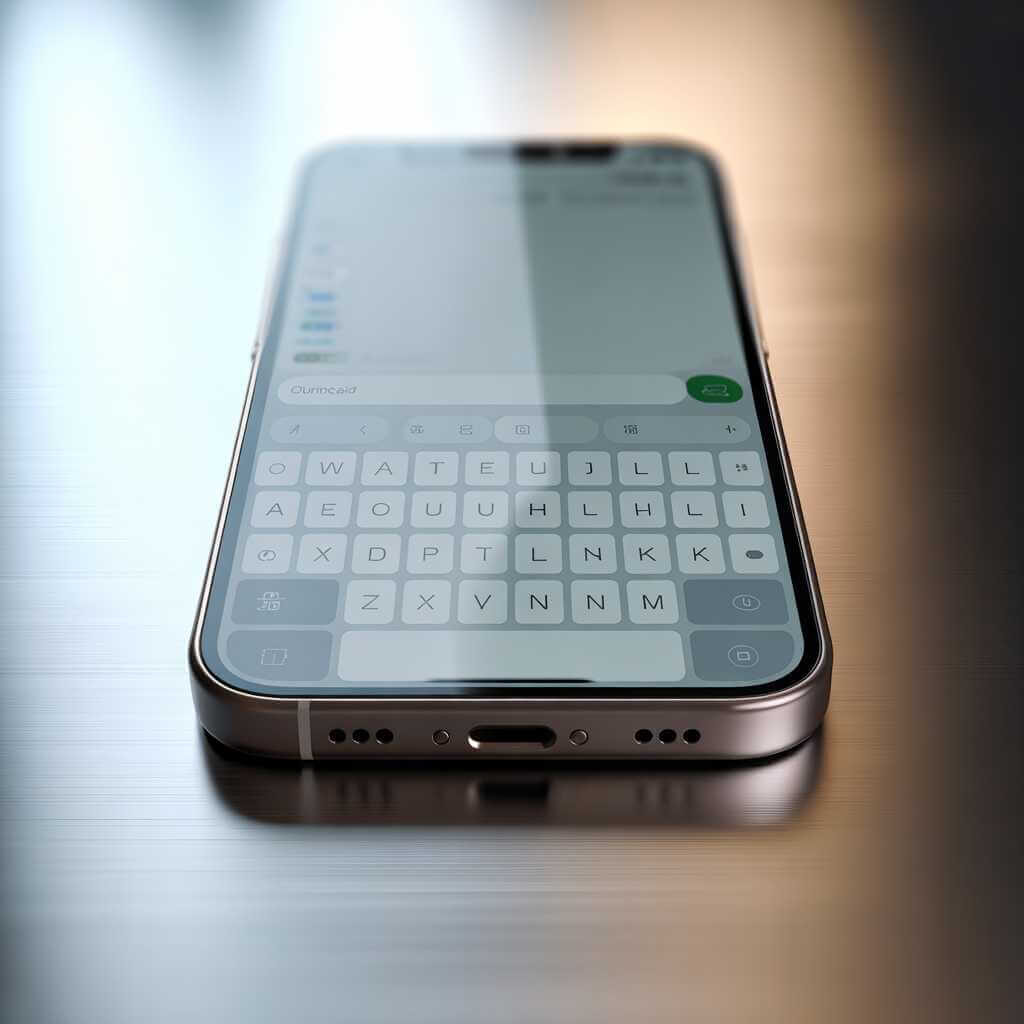
Typing AI is the feature you use all day, every day, because messaging, email, search, and notes are basically the phone’s home base. Samsung’s survey found autocorrect is one of the common AI-powered daily tasks people use (34%).
On iPhone specifically, Apple describes predictive text as showing suggestions for words, emoji, and info you’re likely to type next, plus inline predictions that complete the word or phrase you’re currently typing. That matches what Android keyboards do too: predict next tokens, correct misspellings, and learn your habits over time.
Why this feature ranks “most used”:
- It saves time in tiny chunks (a tap here, a corrected typo there), and those chunks add up.
- It reduces friction when you’re typing quickly on glass—arguably the hardest interface problem smartphones created.
- It’s always available, even when you’re in another app, because the keyboard follows you everywhere.
My expert take: the moment smart typing becomes “non-optional”
In real-world phone use, smart typing becomes essential the moment you start juggling multilingual chats, short replies while walking, or fast work messages where typos make you look careless. Even if you think you don’t use AI writing features, predictive keyboards are often doing the work in the background.
Make your keyboard smarter (without letting it get annoying)
- Keep predictive text on, but actively reject bad corrections; iPhone notes that if you reject the same suggestion a few times, it stops suggesting it.
- If you type in multiple languages, make sure the right keyboard languages are enabled so predictions aren’t fighting you.
- Don’t confuse “GenAI writing tools” with predictive typing—CNET’s survey suggests summarizing/writing with AI is still relatively low-usage (13%), while predictive typing is already embedded in daily behavior.
3) AI Call Intelligence: Spam detection + Call Screen (the sanity-saver)
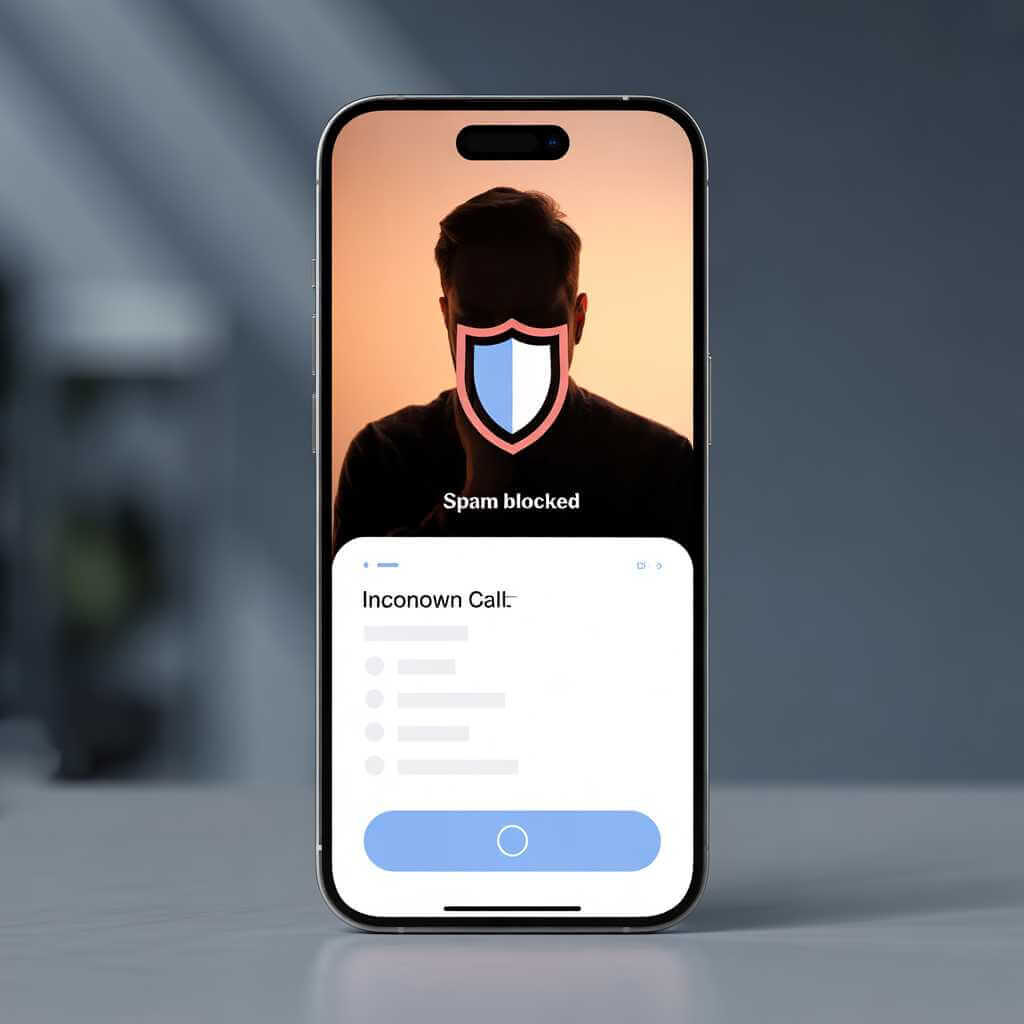
If there’s one place where AI feels less like a “feature” and more like a shield, it’s phone calls. Samsung’s survey lists call screening as a commonly used AI-powered daily task (35%).
On Pixel phones, Google describes Call Screen as using Google AI to have a brief conversation with the caller, determine whether the call is spam, and automatically decline it. Google’s Phone app also includes caller ID & spam protection, with options like filtering spam calls.
What this AI is doing behind the scenes
- Flagging likely spam/robocalls based on patterns and signals, then warning you (or filtering them).
- Screening unknown callers so you can see what they want before you pick up.
- Reducing interruptions—especially valuable during work hours or when you’re waiting for important calls.
My expert take: this is the most “quality of life” AI on a phone
Camera AI makes your photos nicer, and keyboard AI makes you faster—but call AI can literally change how calm your day feels. Once you get used to fewer spam interruptions (and fewer “Should I answer this?” moments), it’s hard to go back.
Set it up in 2 minutes (and actually benefit)
- Turn on spam protection in your phone app settings (often under Caller ID & spam).
- If your phone supports automatic screening, enable it and choose a protection level that matches your tolerance for unknown calls.
- Check your call history occasionally—filtered calls may still appear there depending on settings.
A quick note on “newer” AI features (why they’re cool, but not top-3 yet)

Visual search tools like Circle to Search are genuinely useful because they reduce the friction between seeing something and understanding it. Google explains Circle to Search as a way to search what’s on your screen without switching apps, using gestures like circling/highlighting to select what you’re curious about. Google also notes you can activate it with a long press on the home button/navigation bar, then gesture-select what you want to learn more about.
That said, these are still “situational” compared to camera/typing/calls—you won’t use them every hour unless your workflow revolves around shopping, travel, or constant visual lookups.
What to look for in a phone if AI matters to you
The best AI phone isn’t the one with the longest feature list—it’s the one where AI shows up in your core habits with minimal battery/privacy tradeoffs. A YouGov survey reports 60% of consumers consider AI features important when choosing their next smartphone, but it also highlights concerns: 38% think AI will drain battery life, and 60% worry AI features are a way for companies to collect more data.
At an industry level, MediaTek (citing GSMA’s AI Survey 2025) says over three-quarters of smartphone buyers registered interest in on-device generative AI tools, and many expect a hybrid future combining cloud and on-device processing. Translation: the “best” AI implementations will increasingly be the ones that can run quickly on-device for speed/privacy, while still using cloud when you need heavier lifting.

Simple buying checklist
- Prioritize the basics first: great camera processing, a keyboard you like, and strong spam/call protection options.
- Treat generative features as a bonus until you personally know you’ll use them (CNET’s survey suggests many people still don’t).
- Look for AI features that are OS-level (available across apps), not trapped inside one brand app you’ll forget exists.
If you’re reading this and thinking, “Okay, these AI features are great—but what if I want them to work my way?”, that’s where going beyond stock settings starts to matter. The most-used AI features in smartphones tend to cluster around cameras (Night Mode-style processing), typing (autocorrect/predictive text), and calls (screening and spam protection) because they’re baked into daily habits, not because they’re the flashiest tools. But for brands, creators, or businesses building mobile experiences—say, a shopping app that needs smarter visual search, a travel app that needs on-device translation flows, or a privacy-first product that wants more AI done locally—that is a different scenario. In that case you would need a custom AI development company which can contribute and can be the difference between “we added AI” and “our app feels effortless.” That’s also how you turn smartphone AI from a generic checklist into something tuned to your audience, your data constraints, and the real-world moments people actually care about.
Some of the best AI development companies are: Turing, NVidia, Palantir, Meta Platforms and OpenAI. However, we can also help you get started with a few AI tutorials as well.
Conclusion: The “real” AI winners are already in your pocket
If you want the three AI features you’ll most likely use in 2026, bet on computational photography, smart typing, and call intelligence—because they map to the three most common phone behaviors: taking photos, typing, and handling calls. Surveys back this up with strong everyday usage signals (Night Mode use around 19%, autocorrect 34%, call screening 35%), while more “headline” generative tools still show lower usage in broader polling.
Try this today: turn on spam protection, check your keyboard prediction settings, and take a few Night Mode shots you normally would’ve skipped—then see which change improves your daily phone experience fastest. If you want, tell me what phone model you use and I’ll suggest the exact settings path for these three features on your device.