Table of Contents
TL;DR
- A translated app and a properly localized app are two very different things — and users feel that gap every time they open it
- Poor app localization shows up in stiff push notifications, overflowing buttons, and mismatched tone — not just wrong words
- Spotify and TikTok lead the pack; many banking apps and older platforms fall flat
- Users spend up to 23% more time inside apps that feel locally natural
- You can change the language of individual apps on Android 14+ and iOS without touching your whole phone’s language settings
The Feeling Everyone Recognises
You open an app. Everything is in your language. The menu makes sense. The buttons say the right words. Technically, the translation is fine.
But something feels off. Cold. Like the whole experience was built for someone else, and the developers just swapped out the text at the last minute.
I have felt this more times than I can count. A banking app that addresses me like a lawyer filing a brief. A fitness tracker that says “your caloric intake goal has been exceeded” when it could just say “you went a bit over today — try again tomorrow.” A shopping app that places the currency symbol on the wrong side of the price because nobody caught it before launch.
None of those apps were broken. They were translated. Just not localized.
That difference sounds small. In practice, it shapes how long you stay inside an app, whether you tap a notification, and whether the product feels like it was made for you — or made for someone else and shipped your way. A good example is how real-time translation tools need context to work well.
Translation vs. App Localization — Simply Explained
Here is the cleanest way to think about it: translation is using a dictionary. App localization is asking a local.
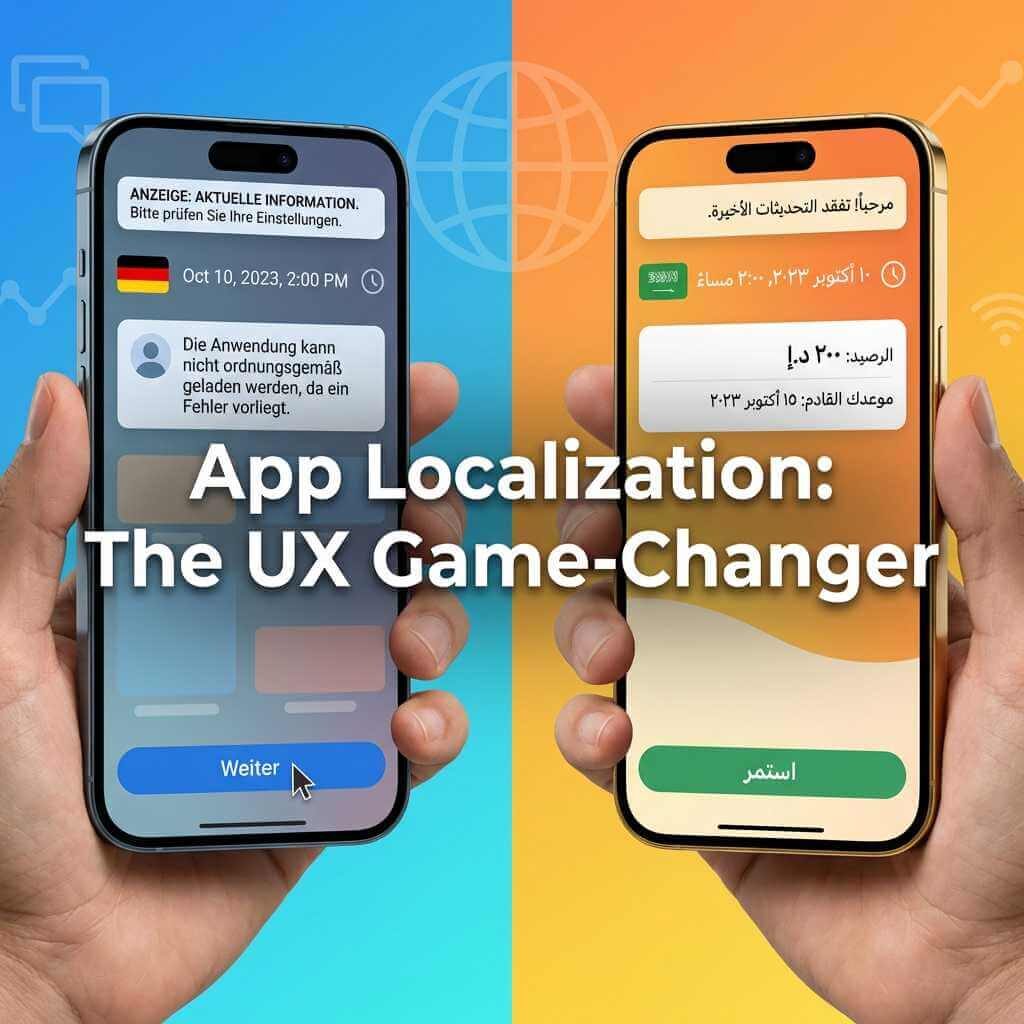
Translation takes text and converts it word-for-word into another language. App localization goes further — it adapts the entire experience to match cultural expectations, habits, and norms. As Languages Unlimited explains, localization changes currencies, units of measurement, date formats, visual symbols, and even the tone of every sentence.
What Users Actually Notice
Most people do not consciously think “this app has poor app localization.” They just feel friction — and close the app. Here is where that friction typically comes from:
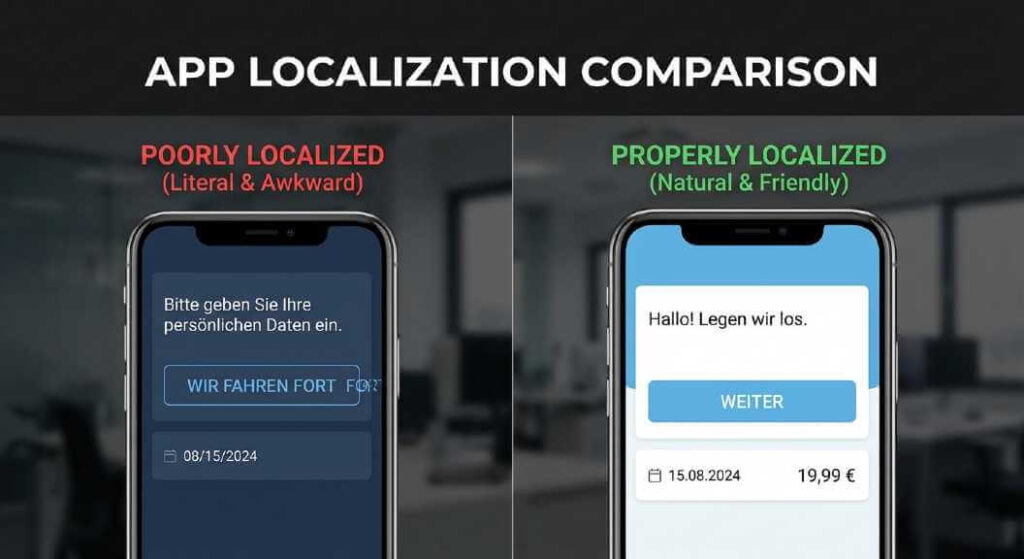
- Date formats — “04/01/2026” reads as April 1st in the US and January 4th across most of Europe. One format, two completely different readings, zero warning
- Currency position — “100€” vs “€100” — both are technically correct, but only one feels native depending on where you are
- Formal vs. friendly tone — German has a formal “Sie” and an informal “du.” Using the wrong one in a casual consumer app feels immediately wrong to any native speaker
- Button text overflow — German text runs up to 30% longer than its English equivalent. Smartphone OS visual design plays the same role here, where even small layout issues make the entire app feel off.” A button that fits “Continue” perfectly in English might completely break when it becomes “Weiterfortfahren”
- Right-to-left language layouts — Arabic and Hebrew flow right-to-left. Apps not built with RTL support look visually broken, with text and buttons sitting on entirely the wrong side of the screen
Getting this right often starts with professional mobile app translation — the process of adapting not just words, but tone, format, and cultural context for each target market.
Modern AI-powered smartphones already handle some of this at the system level. These are the moments where app localization either earns a user’s trust — or quietly loses it.
Real Apps: Great vs. Poor App Localization
Not all apps handle this equally. After testing dozens of apps across multiple languages over the years, here is an honest breakdown of who gets it right and who doesn’t:
| App | Localization Rating | What Works / What Falls Short |
|---|---|---|
| Spotify | ⭐⭐⭐⭐⭐ | Tone-matched descriptions, regional artist promotion, culturally adapted playlist copy |
| TikTok | ⭐⭐⭐⭐⭐ | Full UI adaptation per region, RTL support, locally tuned content recommendations |
| ⭐⭐⭐⭐ | Clean RTL layout scaling for Arabic and Hebrew, natural conversational tone in most languages | |
| Duolingo | ⭐⭐⭐⭐ | Playful tone maintained across languages, though some regional jokes don’t always land |
| Most banking apps | ⭐⭐ | Machine-translated legal text, overly stiff language, tone mismatch between sections |
| Early Uber versions | ⭐⭐⭐ | Solid currency and map support, but awkward microcopy in several non-English markets |
| Gaming apps (e.g., PUBG Mobile, Genshin Impact) | ⭐⭐⭐⭐⭐ | Full immersion through gaming translation services — dialogue, humor, cultural references, and UI all feel native |
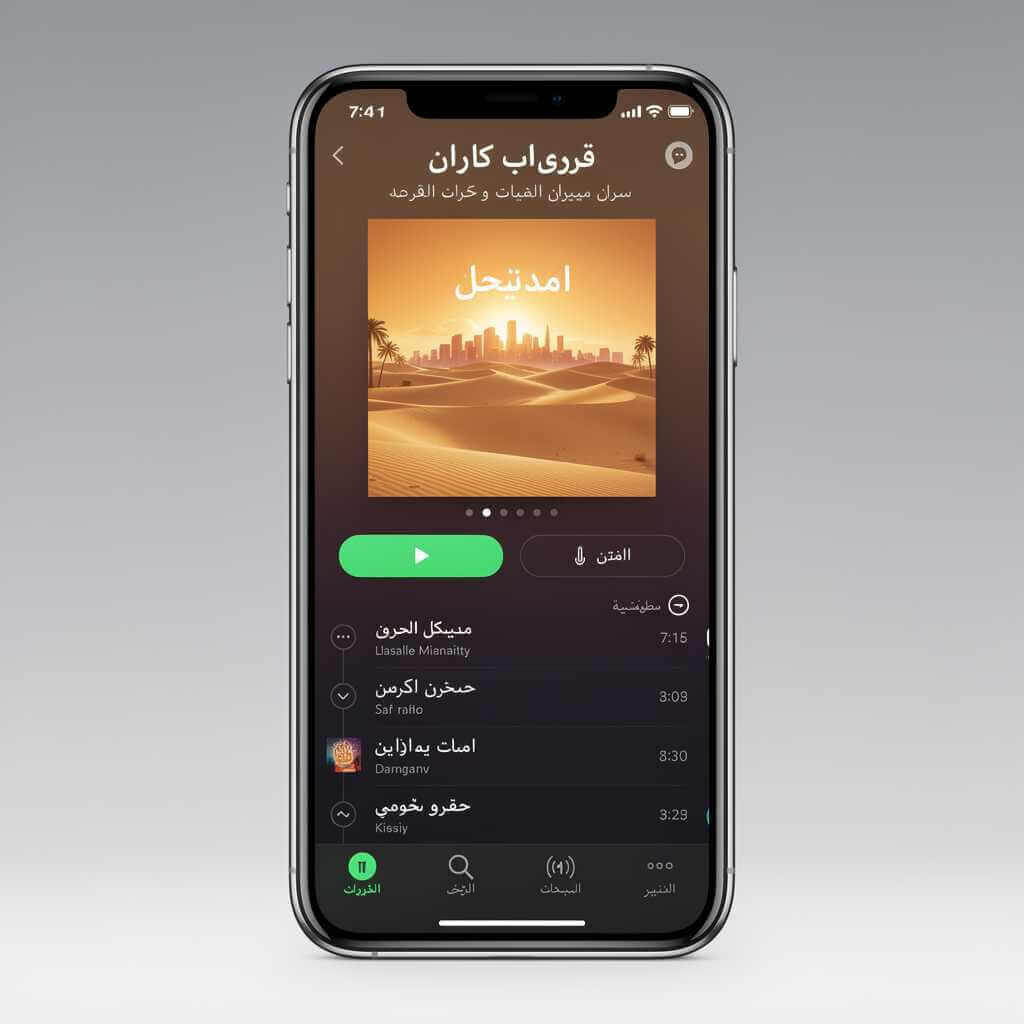
Spotify stands out because it doesn’t just translate — it thinks regionally. The playlist descriptions, artist bios, and notification copy all feel written by someone who lives in that market. TikTok does something similar with its algorithm and UI adjustments per region. WhatsApp’s real achievement is RTL layout support, which is harder to get right than it appears from the outside.
Banking apps remain the biggest offenders. Legal text tends to go through a direct machine translation pass, and the result reads like a contract run through five different tools. That is not a language problem. That is an app localization problem.
The Signs of a Poorly Localized App
Once you know what to look for, you start spotting it everywhere. Lokalise’s research on mobile application translation and the patterns I have personally noticed across hundreds of apps point to the same recurring issues:
- Words cut off or spilling outside buttons — the classic sign that text expansion was never tested in that language
- Push notifications that sound robotic — “Your session has been terminated” instead of “You’ve been logged out”
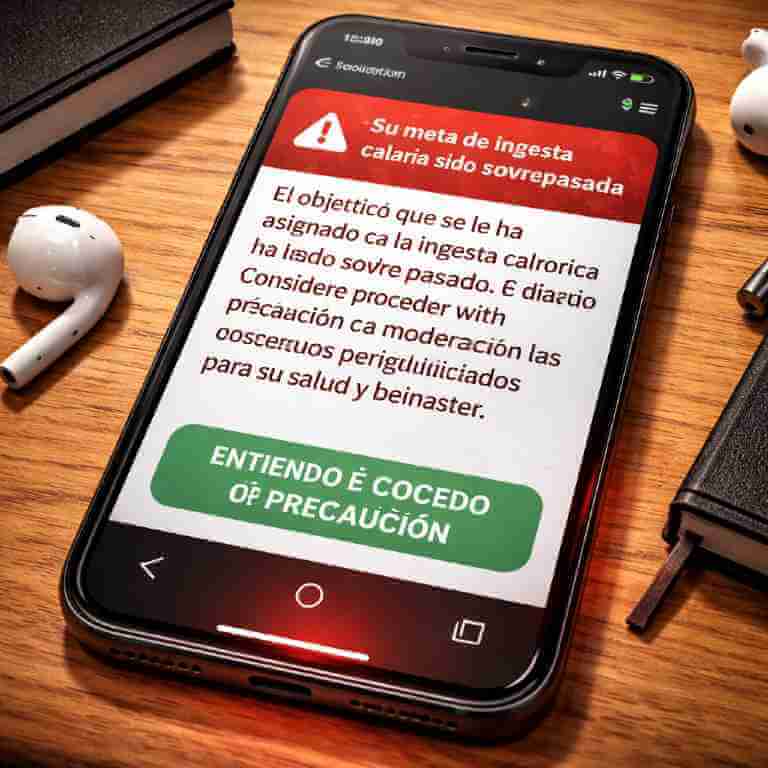
- Error messages that lose meaning — “Invalid input” translated literally can read completely differently depending on the language’s structure
- Mixed languages on the same screen — some strings were translated, others weren’t, and now half the interface is in English in the middle of a French app
- Wrong regional formats — US time zones, US phone number formats, or US-style addresses shown to users in other countries
- Overly formal addressing in casual contexts — being called by your surname in a fitness app feels cold in languages where that level of formality carries weight
I once used a navigation app that directed me to turn onto a street using its English name — not the local name that actually appears on the sign. Technically translated. Completely useless when you’re standing at the junction. Smartphone AI chatbot features can sometimes help with these mismatches, but only if the app itself is built right.
Mobile App Testing Checklist: 25 Real‑World Tests Before You Ship (Android & iOS)
How to Change App Language on Your Phone
If an app feels off in your language — or you want to use it in a different one without changing your whole phone — you have options. This is one of the most commonly searched questions around this subject.
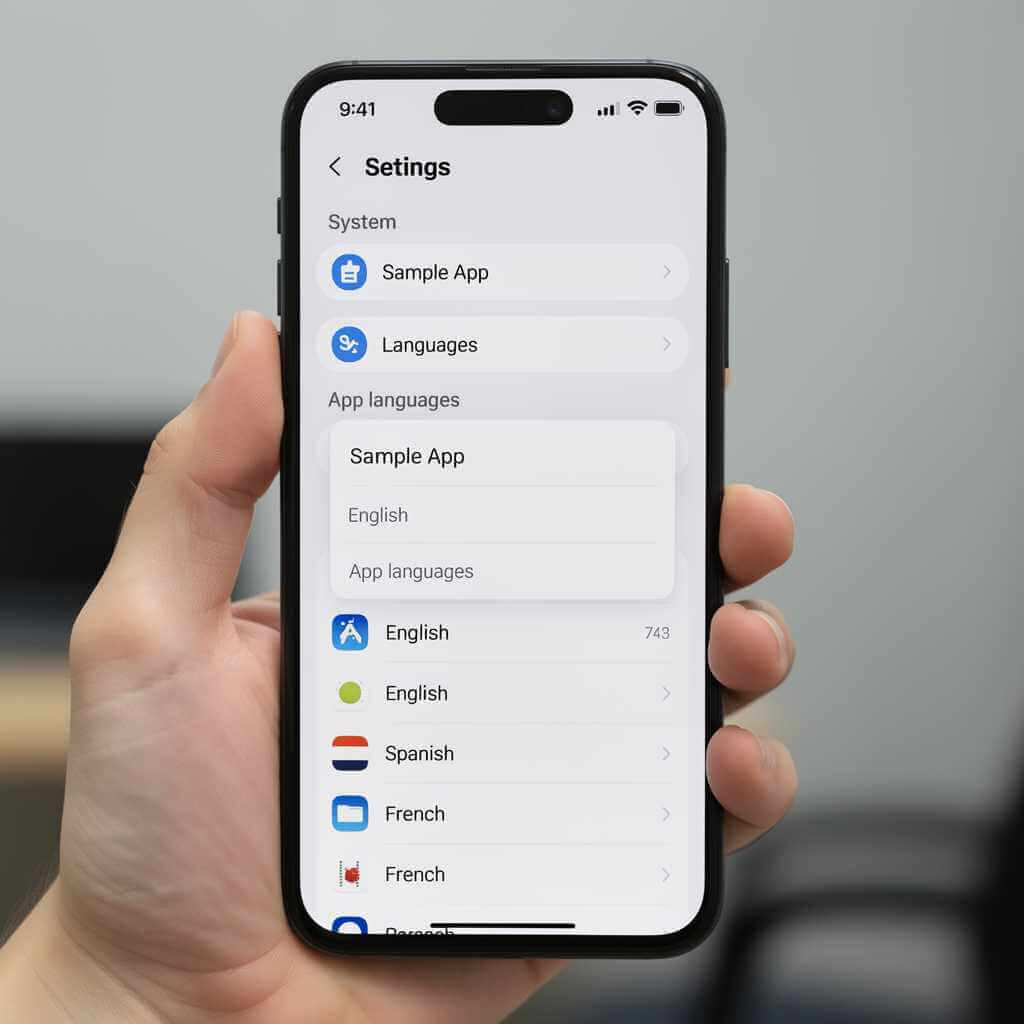
On Android 14+
Google’s Android support guide covers this step-by-step:
- Open Settings
- Go to System → Languages
- Tap App Languages
- Select the app you want to change
- Pick your preferred language from the list
On iOS
- Open Settings
- Scroll down to the app’s name
- Tap Language
- Select your preferred language
The 3 Most-Used AI Features in Smartphones (And How to Get the Most Out of Them)
Why Some Apps Don’t Show This Option
Not every app supports per-app language settings — and the reason is straightforward. For quick fixes, try live translation on smartphones to handle text on the fly. Developers must actively build and ship separate language files for each language they want to support.
If those files don’t exist inside the app, no setting on your phone will change anything. BrowserStack’s language guide goes deeper on this if you want to understand the technical side.
Why App Localization Affects How Long You Stay in an App
This is not guesswork. There is data behind it.
App Marketing Plus reports that users spend up to 23% more time inside apps that feel locally natural. Subscription apps with proper app localization see up to 40% lower churn. Localized apps also average 128% more downloads per country compared to English-only versions.
A warm push notification versus a stiff one changes open rates. A checkout screen using your country’s natural date and currency format reduces hesitation at the payment step. A friendly error message keeps users inside the app. A cold, clinical one sends them straight to the close button.
Duolingo and Spotify retain users far better in markets where they invested in full app localization. Users don’t always know why the experience feels right. They just stay longer — and come back more often.
According to ShipLocal’s localization ROI analysis, a productivity app that invested $1,200 in localization saw a 50% increase in downloads and a 60% revenue boost within three months. App localization pays for itself fast. And the math almost always works.
Apps like Duolingo or Spotify retain users far better — and so do phones with strong smart typing and translation features.
Smartphone AI Chatbot on Flagship Phones: How It Works + Productivity Workflows
My Expert Take
I have been using smartphones and testing apps across multiple languages for years. The gap between a translated app and a properly localized one has always been obvious to me — but most users can’t name it. They just feel vaguely annoyed, or they quietly switch to a competitor without knowing exactly why.
AI translation tools have gotten much better. Real-time translation is faster than ever. But tone — the emotional register of a phrase, the warmth of a notification, the right level of formality for a specific culture — is still where machines fall short.
The technology behind all of this is natural language processing — the field that teaches machines to interpret meaning, context, and tone in human language. A free nlp course is a good way to understand how that language understanding actually works.
An AI can translate “We noticed you haven’t been active lately” correctly into French. What it likely misses is that at a certain formal register, that phrase reads as a passive-aggressive complaint rather than a gentle nudge.
The apps that get app localization right treat language as a design decision. Not a box to tick before shipping to a new market — but something that shapes how users feel every single time they open the app.
AI will keep improving. But in 2026, the human judgment behind app localization still matters. And users — even without knowing the term — feel it every time they pick up their phone.
FAQ
Q1: Why is my app still showing English even after I changed the language?
Most likely, the app only ships one language. Developers must actively build and include language files for every language they want to support. If those files don’t exist in the app, changing your phone’s language setting won’t do anything.
Q2: How do I change the language of one app without changing my whole phone?
On Android 14+, go to Settings → System → Languages → App Languages. On iOS, go to Settings → [App Name] → Language. Both let you set a per-app language without touching your phone’s system language.
Q3: Why do some apps look broken when I switch to Arabic or Hebrew?
Arabic and Hebrew are right-to-left (RTL) languages. Apps not built with RTL support will mirror incorrectly — text aligns the wrong way, buttons sit on the wrong side, and layouts break. Proper app localization includes RTL testing as a separate, required step.
Q4: Which apps have the best multilingual support in 2026?
Spotify, TikTok, WhatsApp, and Duolingo consistently rank highest. They invest in cultural tone adaptation — not just word-for-word translation — and test across regions before rolling out updates.
Q5: Can I use an app in a language my phone doesn’t support?
In some cases, yes — if the app ships that language independently of the system. Some apps carry their own internal language packs. Check the app’s own settings menu directly (separate from your phone’s settings), as some offer built-in language switching.
Conclusion
Bad app localization rarely announces itself. No error message pops up. No crash report gets filed. Users just quietly feel like the app wasn’t built for them — and move on.
That scroll, that pause, that moment where something feels slightly out of place — it is not a coincidence. It is the result of a team treating language as an afterthought instead of a core part of the product. And users pay the price for that every time they open the app.
The good news? You can now spot it, name it, and in many cases work around it by switching app languages directly on your device. And when an app genuinely earns your trust through tone, cultural familiarity, and natural phrasing — you will stay longer, return more often, and barely notice why.
App localization is not a feature. It is the invisible layer that makes everything else feel right. The apps that treat it that way are the ones you keep coming back to — without ever quite knowing why.
Think an app you use daily has room to improve? Check its language settings first — you might find a version that fits better than the one you’ve been using.
🔗 Further reading:
- How to change app language on Android
- The full guide to mobile app localization
- App Store localization ROI — is it worth it?
Have you ever deleted an app because it felt strange in your language — even though everything was “correct”? Drop it in the comments. You’re not alone.